


Desk-Friendly Pocket eReader
XTEINK X4 Classic (X4 V2) Pocket eReader
XTEINK X4 Classic (X4 V2) Pocket eReader
Why You’ll Love It
- Personalized E-ink Secondary Screen: Express your inner world by customizing the back screen with your favorite quotes, minimal wallpapers, or a functional daily clock.
- Universal Magnetic Pocket eReader: At a mere 68g and a razor-thin 4.9mm, X4 Classic snaps effortlessly onto the back of any smartphone or slips into your pocket for zero-burden reading on the go.
- Intuitive Dual-Mode Controls: Flip pages your way: shake the device for easy one-handed reading during busy commutes, or use the tactile physical buttons for a cozy, deep-reading escape.
- 920mAh battery: Powered by a 920mAh battery and a next-gen low-consumption chip, it delivers up to 10 days of casual reading on a single charge. Forget the charger, enjoy the journey.
- Unlocked Firmware Freedom: A pure developer operating system with zero third-party restrictions, choosing your best way to read on Xteink.
 XTEINK eReader Magnetic Reading Light

 XTEINK X4 Classic (X4 V2) Magnetic Case - Multiple Colors


 XTEINK X4 Classic (X4 V2) Protective Case


 XTEINK X4 Classic (X4 V2) Matte Screen Protector
 XTEINK X4 Classic (X4 V2) Tempered Glass Screen Protector
Secure Checkout Guaranteed
Secure Checkout Guaranteed
We accept PayPal and 10+ Major Payment Methods, including Visa, Mastercard, American Express, Apple Pay, and Google Pay. All transactions are securely encrypted for your peace of mind.
Where We Ship
Where We Ship
For a list of supported shipping countries, please check our Shipping Policy page. Thank you!
Unrestricted Firmware Guarantee
Unrestricted Firmware Guarantee
All units purchased directly through the XTEINK official website are exempt from third-party firmware restrictions. This commitment applies to all past and present models, with no planned changes for future updates.
DETAILS + DIMENSIONS
Display 4.3 inch
Resolution 219 PPI
Dimensions 114 × 69 × 4.9 mm
Weight 68g
Storage Comes with 16 GB microSD card, supports expansion up to 256 GB
Connectivity Wi-Fi 2.4 GHz & Bluetooth® wireless technology
Ports Pogo Pin
Battery 920 mAh
Supported Formats Document: EPUB, TXT / Image: BMP / Fonts: BIN, XTF
Front light No
Touchscreen No


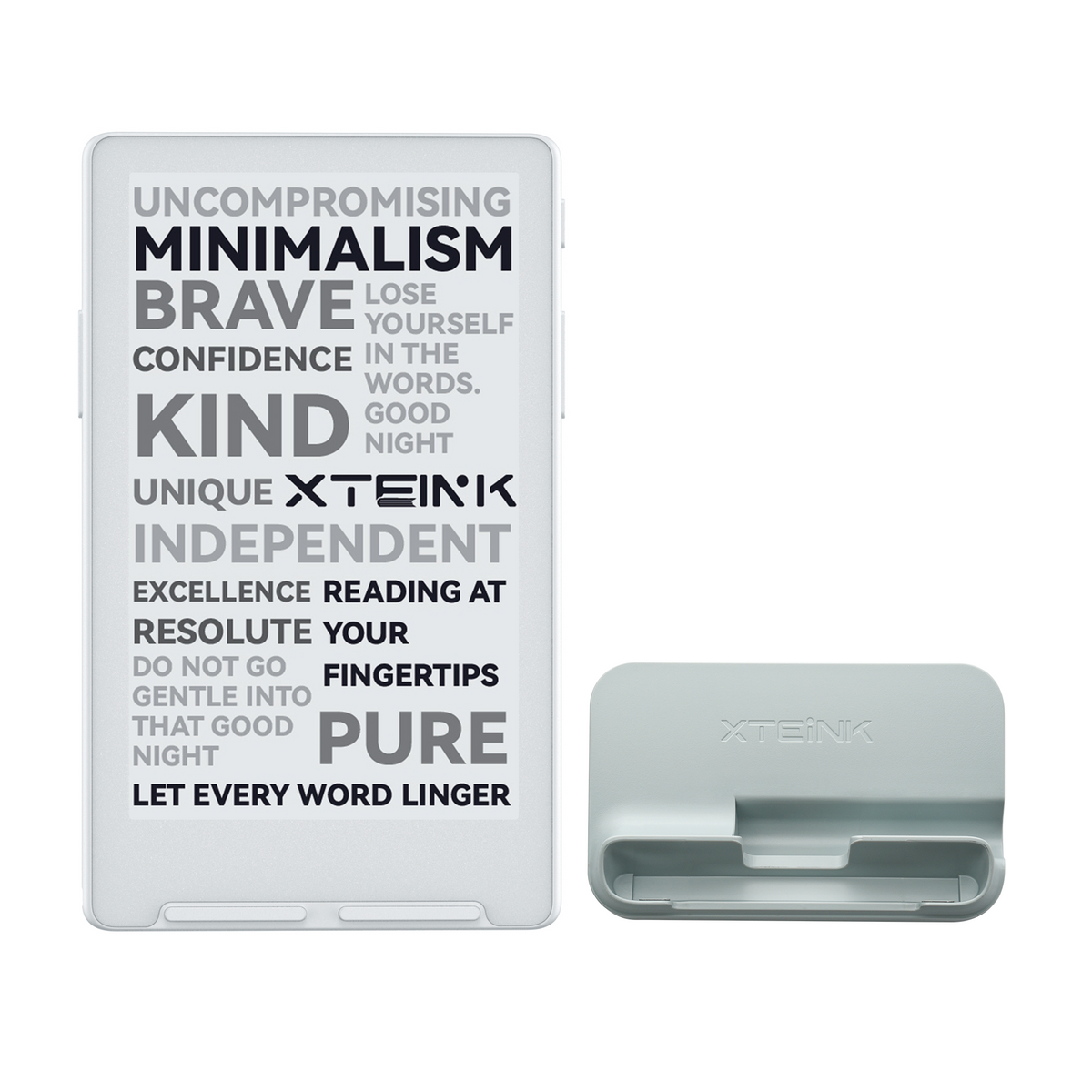


Desk-Friendly

Ultra Slim

Lightweight

Distraction-Free

Longer Battery Life

Designed For Desk, Built For Mind
Transform Your Screen Into A Desk Calendar, Stylized Clock, Or Custom Art Display. Stay Minimalist While Adding Personality To Your Space.

Snap On. Slip In. Read Anywhere.
Weighing Just 68g And 4.9mm Thick, X4 Classic Snaps Seamlessly To Your Smartphone Or Slips Into Any Pocket. Your Favorite Library, Always Weightless On The Go.
- Weight
- 68g
- Thickness
- 4.9mm

Long-Lasting Power, Less Anxiety
Driven By A 920mAh Battery And A Next-Gen Low-Power Chip, Enjoy Up To 10 Days Of Casual Reading On A Single Charge. Leave The Charger Behind And Lose Yourself In The Story.

Express Yourself On Every Screen
Personalize The Back Display With Minimalist Art, Daily Motivational Quotes, Or An Aesthetic Clock. A Secondary E-Ink Screen Designed To Elevate Your Desk Setup.

Your Pure, Distraction-Free Sanctuary
Your Pure,
Distraction-Free Sanctuary
Designed With A Closed Ecosystem—Free From Pop-Up Ads And Social Media Notifications. Reclaim Your Focus And Dive Into An Undisturbed Reading Escape.


Read Freely. Your Books. Your Way.

XTEINK X4 Pro Named
One of TIME’s Best
Inventions of 2026

The Pocket eReader Pioneer. Freedom to Read Anywhere.
- XTEINK Pocket eReaders Sold Worldwide
- 1M+
- Countries Reached Worldwide
- 70+
- Developers, Creators, and Entrepreneurs Supported
- 2,000+


FAQs
What ebook file formats are supported, and how do I transfer books?
XTEINK supports TXT, EPUB, MOBI, PDF, XTCH, XTC, and XTCZ formats. MOBI and PDF files may not be fully supported by the firmware, so we recommend converting them through the XTEINK official app before transferring them to your device. For image-heavy content such as comics, we recommend converting files to XTCH, XTC, or XTCZ via XT-Cloud or the official app for a better reading experience.
Can I snap the X4 Classic onto any smartphone or phone case?
The X4 V2 features a built-in magnetic ring on the back, with a slightly different position from the first-generation X4. It can attach magnetically to the back of an iPhone, although the device will protrude slightly; Pro Max models have the least protrusion. For a more seamless fit, we recommend using a magnetic ring on the outside of your phone case.
How do I customize the E-ink secondary screen on the back?
You can set your favorite image as the power-off or sleep wallpaper, or use the cover of the EPUB book you are currently reading as your wallpaper.
How does the Shake-to-Flip page-turning feature work?
Shake-to-Flip lets you turn pages by gently shaking the device. You can enable this feature from the reading menu or via the shortcut key while reading. Custom shortcut key settings will be added in a future OTA update.
Is the screen glare-free under direct sunlight?
Yes. The X4 V2 screen remains clear and does not fade or wash out under direct sunlight, thanks to hardware-level optimization.
Does it have a built-in front light for night reading?
The X4 V2 does not have a built-in front light. For reading in low-light conditions, you can purchase an additional lighting accessory or choose the X4 Pro, which features a built-in front light.
Do I need to pay for a subscription to use XT-Cloud?
XT-Cloud is currently free to use. However, we may introduce subscription-based features or paid services in the future.
Is damage caused by software modifications covered under warranty?
The XTEINK warranty does not cover issues caused by unofficial firmware, third-party SDK modifications, or other unauthorized software changes. Paid repair service may be available depending on the issue.
Reviews
Ultra-portable pocket eReader praised for exceptional thinness (4.9mm), crisp 219 PPI display, and inspiring daily reading habits. Customers highlight "absurdly thin" design, strong battery life, and intuitive operation. Main concerns include pogo pin charger inconvenience and lack of frontlight. Some shipping/customer service issues reported.
Thinness
At just 4.9mm thick and 68g, this thing is absurdly thin. Thinner than most phone cases, lighter than the average wallet. It disappears into a back pocket, a breast pocket, or onto the back of your phone. Compared to the original X4 at 5.98mm, the Classic shaved off a full millimeter and got lighter in the process. No other reader in this class vanishes into your carry like this.
Battery life
The 920mAh battery is 270mAh bigger than the original X4's, good for roughly two to three weeks of typical reading. The design earns it: no touchscreen, no frontlight, low-power ESP32 chip. Fewer things draining power means more weeks between charges.
Legibility
This is the surprise star. The 4.3-inch black-and-white E Ink display runs at 219 PPI, and because there's no touch layer and no frontlight sitting on top of the glass, the text is crisp and high-contrast in a way backlit readers can't match. Body text renders cleanly with no ghosting at normal sizes, and the included matte screen protector keeps glare down in direct sunlight. Honestly amazing to read on.
Everyday reading
That 114 x 69mm footprint means it's always with you, and that's what turns it into the reader you actually finish books on. Dual-side page buttons and motion page-turn let you hold it one-handed either way. It reads EPUB and TXT from the included 16GB microSD (expandable to 256GB), and the small extras like an on-device clock and battery gauge all serve the same idea: stay on the page, not in settings.
The honest caveats
No frontlight, so no bedtime reading without a lamp. No touchscreen, buttons only. And charging is via a magnetic pogo-pin cable rather than USB-C, which can be a little fiddly. If you mostly read in daylight or ambient light, none of that matters much.
Verdict
The X4C is the best grab-and-go daily reader XTEINK has made. It beats the X4 Pro on portability and battery by a wide margin, trading only the frontlight and touchscreen to get there. For a chapter every commute, this is the one you reach for.
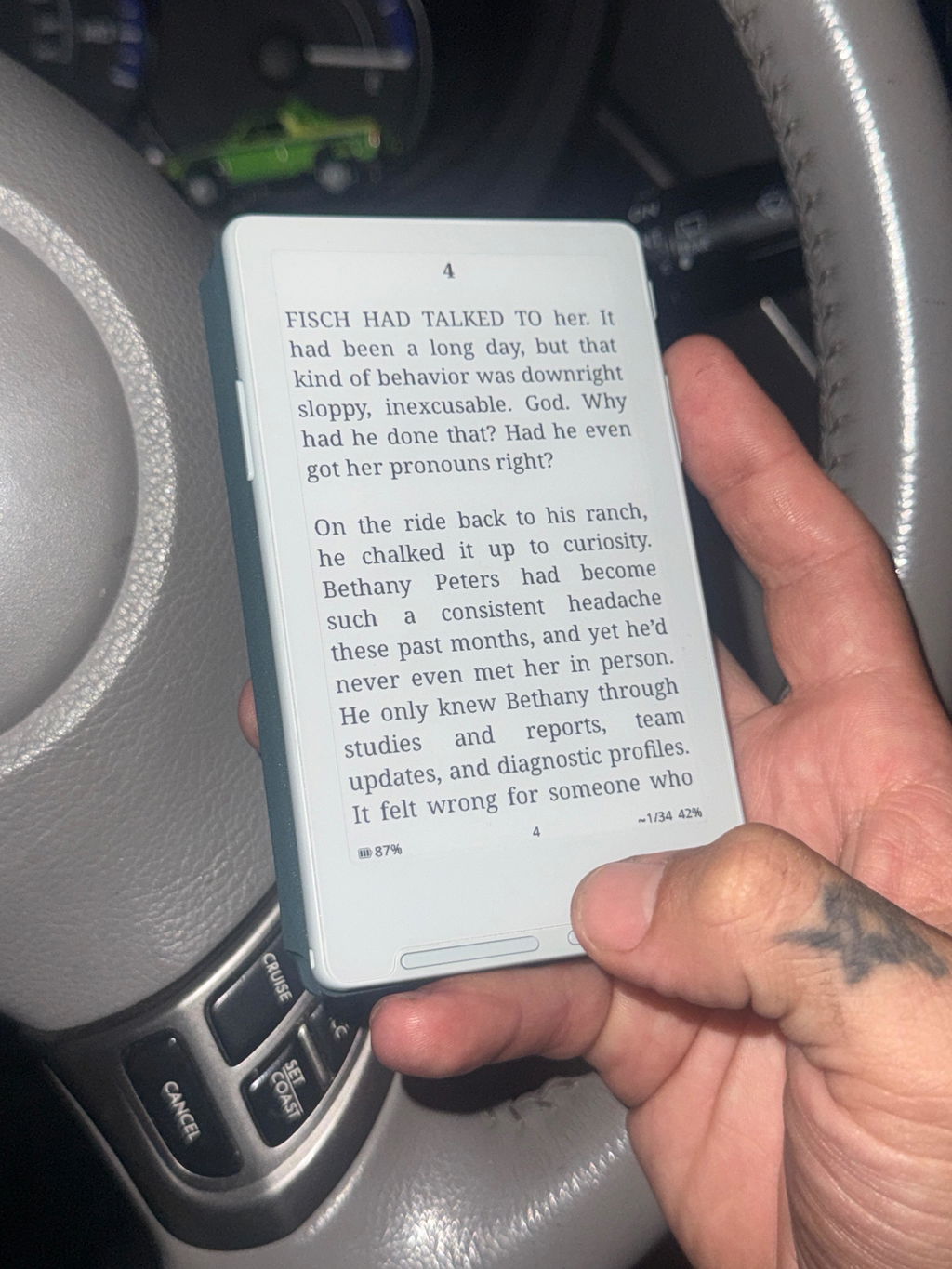
it's amazing i read alot now allthe time an d my writing improed two!

I already have the original XTEINK X4, in black and decided to go for the Classic in grey. Other than the pogo adapter I didn't expect a big difference but I think there is and I prefer the Classic on a few points.
First one is the seemless integration with a page turner, I LOVE that!
The screen is super crisp, everything feels fast and responsive, and the whole device is considerably more thin and light.
The biggest improvement for me is definitely the buttons. The placement of them is different from the V1 and so much better. Much more comfortable, more natural to press, and overall just way more ergonomic. It sounds like a small thing, but it actually makes a big difference when you’re reading for a while.
I went with the white/grey version and I’m really happy with it. It looks clean, simple, and the color perfectly matches the page making it feel like the text has better margins.
The only thing I’m not crazy about is the pogo charger. I would still prefer USB-C, but the Classic improves so many other things that I’m totally fine with it (did I really just say that?!). The better screen, speed, buttons, weight and overall feel easily make up for it.
I already liked the original X4, but this one feels like the more polished version. It's quickly become my preferred device.
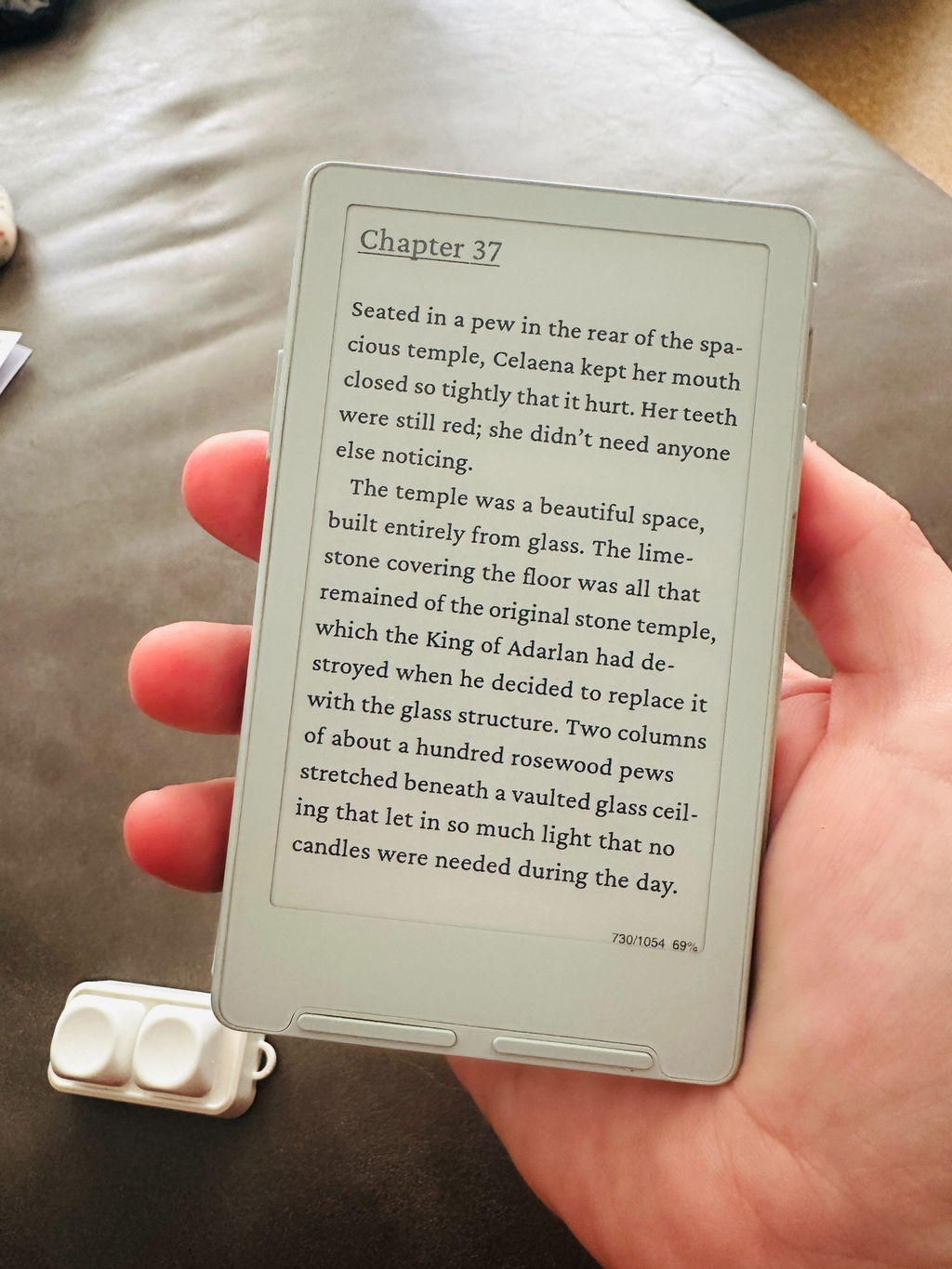
it's everything reviewers are saying! my new favorite ereader
Solo epub sin DRM. Poca oferta en tiendas
Me encanta lo práctico y bonito que es.
A great product which has extended my reading experience. The ability to flash Crosspoint enhanced its usability even more. In a word - fantastic.
so far so good
Vše 100% děkuji
great !!
Es increíble lo mucho que me ha sorprendido este aparato, vale totalmente la pena, recientemente actualizaron su software y la experiencia mejoró significativamente, espero me dure mucho tiempo ✨
I love all the features of this product.
Hello, the e-reader is great. I’ve never read this often before, but with this device, every public transport commute is more bearable. Unfortunately, I ordered two e-readers, and the second one arrived with a broken back. I wrote in about it, but sadly, I still haven't received a reply.
Order number: 11148352
Arrived functional and as described. Knocked off a star because the pogo pin charger is a pain. I'd really rather have a thicker device with a USB-C port. Wish the original X4 was still for sale.
Love it
As of now I haven't skipped any day of reading with it, even though I have rarely read mutch in my life. I have custom firmware on it and it just makes it even better and more fun to use. It helped me getting into the habit of reading and quit the brainless scrolling and consuming useless information. (The glare on the picture is because it is shot at night while having a screen protector on. At day, even in the sun it has zero visibility or screen glare problems.) I have made a few folders inside so I have all my books categorized but if that's to mutch the eReader also manages ur last read pages itself so you can just pick up from where you left or read a few books at the same time depending on your mood. Really just a pocked sized device u can carry everywhere you need, which just does the thing you want it to do :). In my opinion it really was worth the purchase, I would reccomend it too everyone who wants to read more.
Really happy with this e-reader! It's super intuitive and easy to use. Shipping took about two weeks, but it was definitely worth the wait. I've been using it every day since it arrived.
Da urlo…intimo e prezioso. Leggo ovunque anche dove non potrei. Cosa potevo volere di più?
at first i was worried it would be hard for me to set up because i didn’t have a micro sd chip reader, but the app import is easy to use!! i love my little reader,, started showing her off at work.
Just a warning but this company uses contracted courier services who don’t know how to properly do their jobs. No support from customer service despite multiple attempts. Buyer beware.
Get this gadget from amazon if you’re looking to buy it. I ended up getting the item, and it’s cool, but the lack of customer service or support from the company of any kind is kind of astonishing.
I love it so much its perfect
tutto come da descrizione,perfetto e consigliato
Verbesserte Standard Firmware. Einfache Übertragung von Büchern und Schriften.
I'm impressed with the product, it's my go to reader.
It works really well! It's super light and portable, almost too much so, honestly. You'll definitely want to pick up a case since it's so thin and slippery. The OS is pretty rough, but luckily flashing Crosspoint only takes a minute. I’m a little annoyed by the magnet placement, though, since the device sticks out a bit when I attach it to the back of my phone.
Those are just small issues in the grand scheme of things, and overall, it does exactly what I bought it for.
Excellent!!
I love this thing


