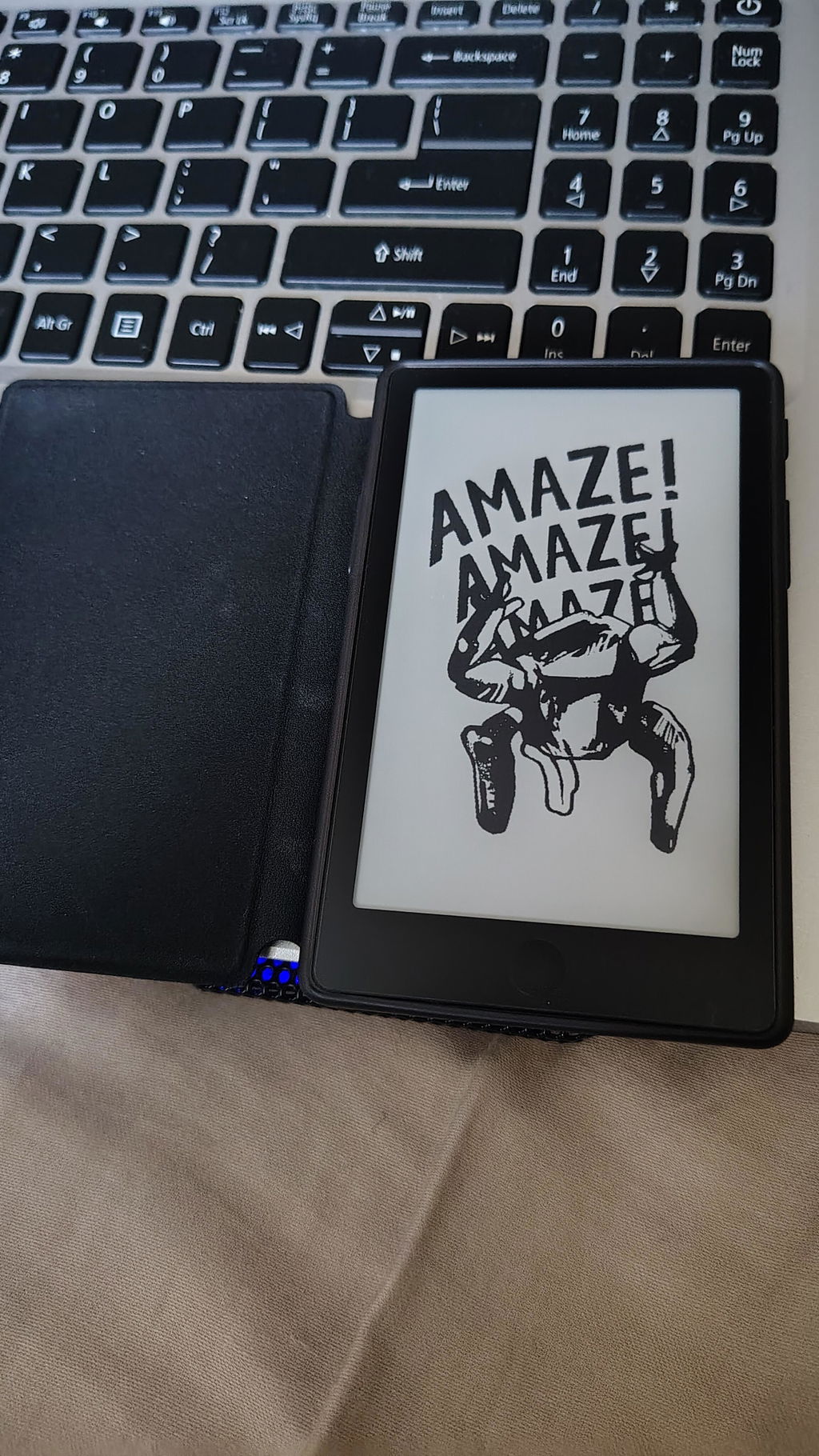
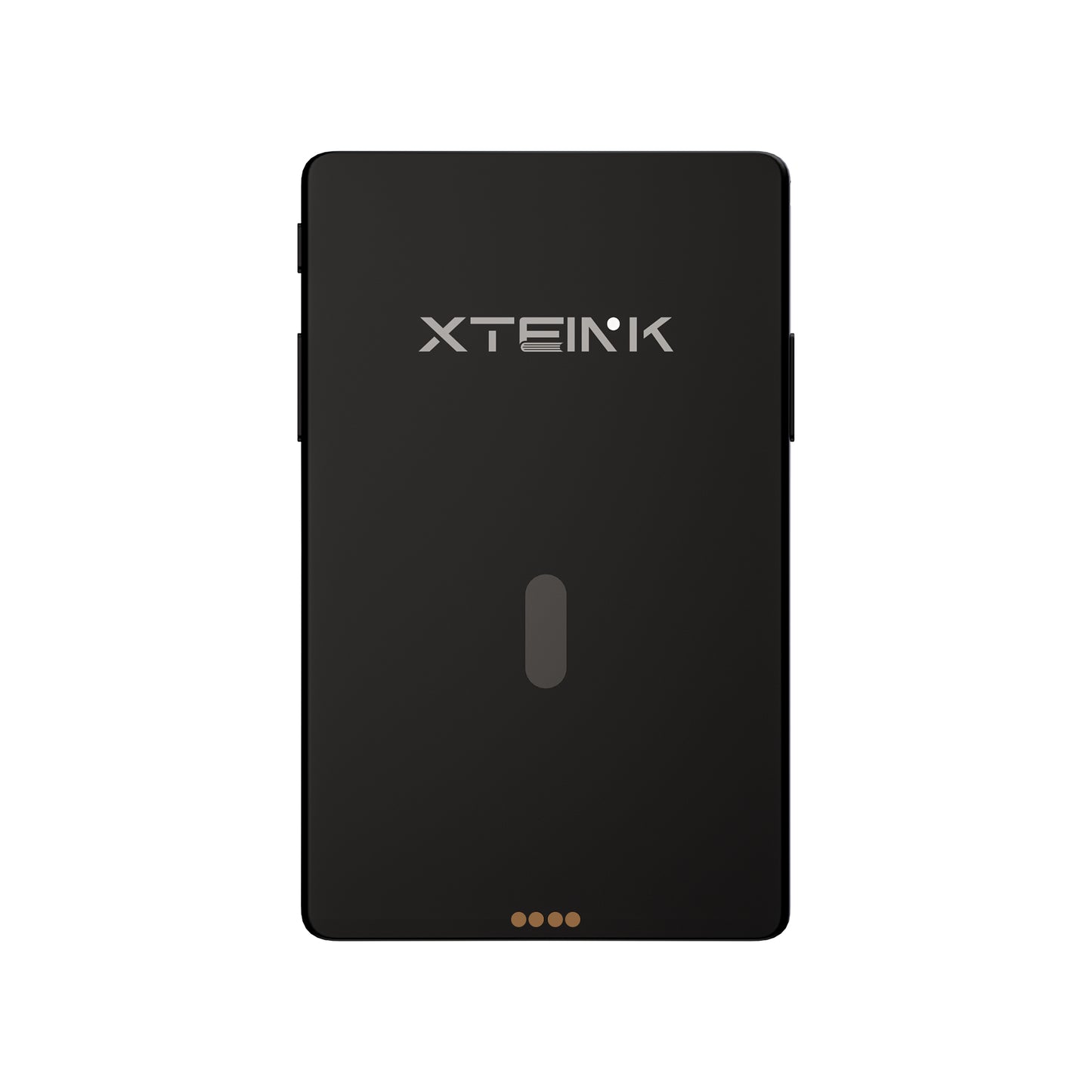
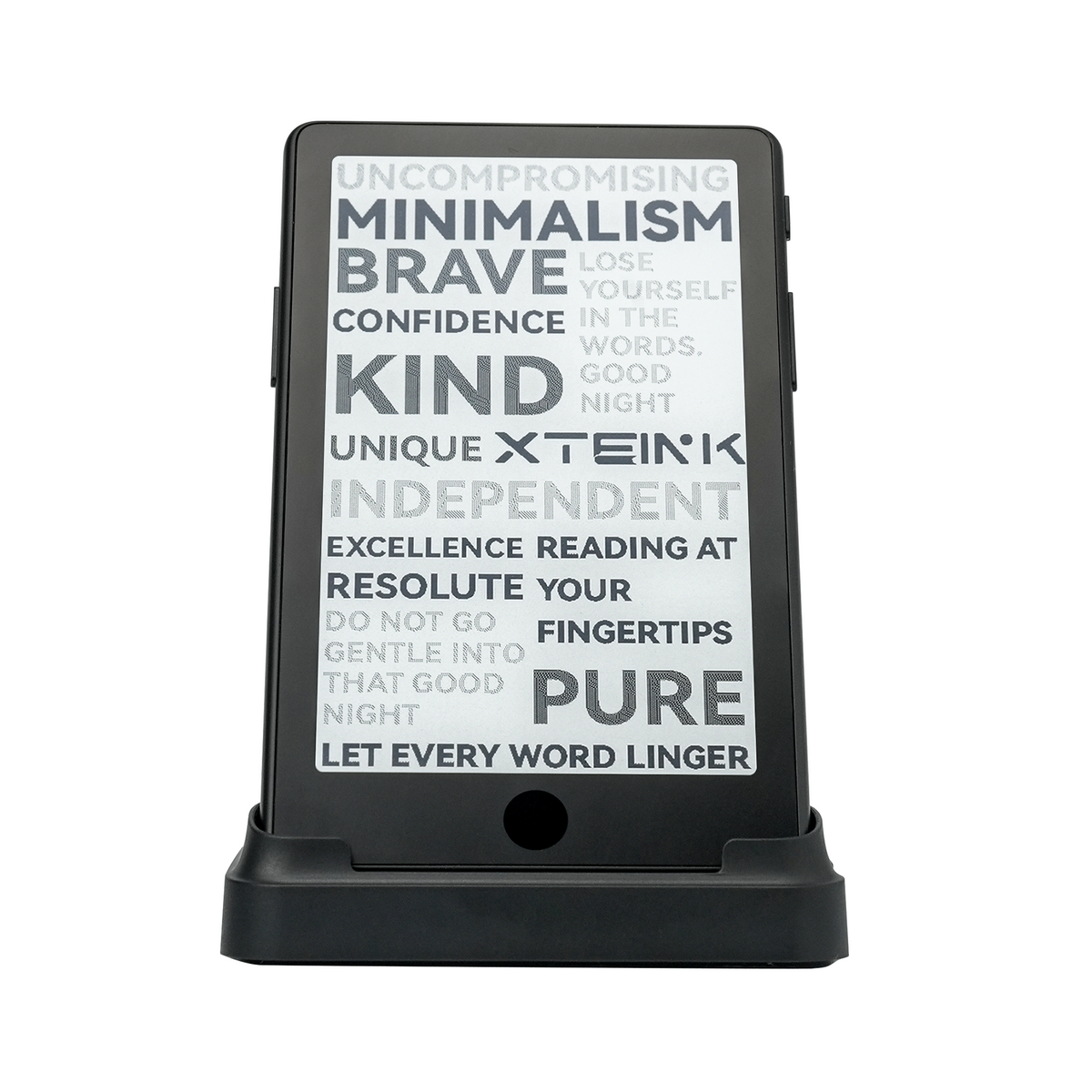
XTEINK X4 Pro Pocket eReader
XTEINK X4 Pro Pocket eReader
X4 Pro Mist Gray is on pre-order and is expected to ship starting October 28th.
Why choose our X4 Pro?
- Unlocked Firmware Freedom: A pure developer operating system with zero third-party restrictions, choosing your best way to read on Xteink.
- Pocket-Sized 72g & 5.95mm Thin: Ultimate portability. At just 5.95mm, X4 Pro slips easily into any pocket. Built-in magnets securely pair with your phone or EDC accessories on the go.
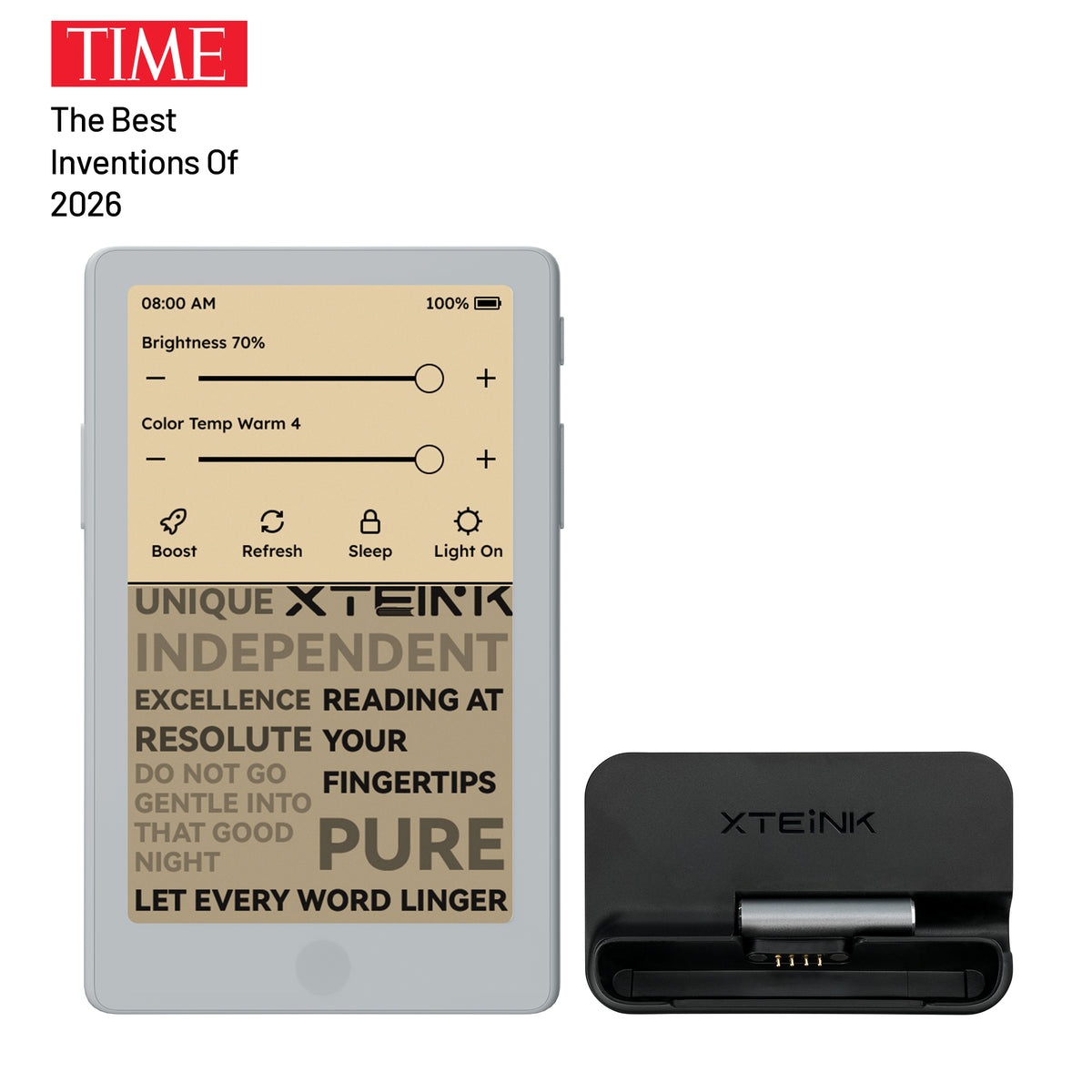
- Adjustable brightness and warm/cool light: Read comfortably day or night. Easily adjust brightness and warm/cool light temperatures for a glare-free, paper-like reading experience in any setting.
- Touch & Physical Buttons: Your choice of navigation. Tap and swipe the touchscreen, or use dedicated physical buttons for effortless, single-handed page turns.
- Companion App & XT-Cloud: Your daily reading hub. Seamlessly sync feeds, weather, market updates, and your reading schedule directly to your device via Vision.
- 1100mAh Power & Pure Reading: Stay immersed longer. Powered by an upgraded 1100mAh battery for distraction-free reading, turning spare moments into your private library.
- More than just Reading: Switch between reading, photos, clock, and other personalized display modes for a more flexible portable eReader experience.
How to use the XTEINK Base Stand & Charging Adapter? Click and Learn More
 XTEINK X4 Pro Magnetic Case - Multiple Colors


 XTEINK X4 Pro Protective Case


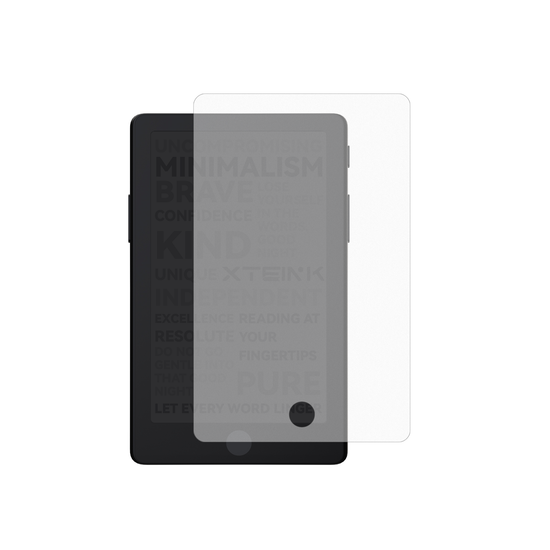 XTEINK X4 Pro Matte Screen Protector
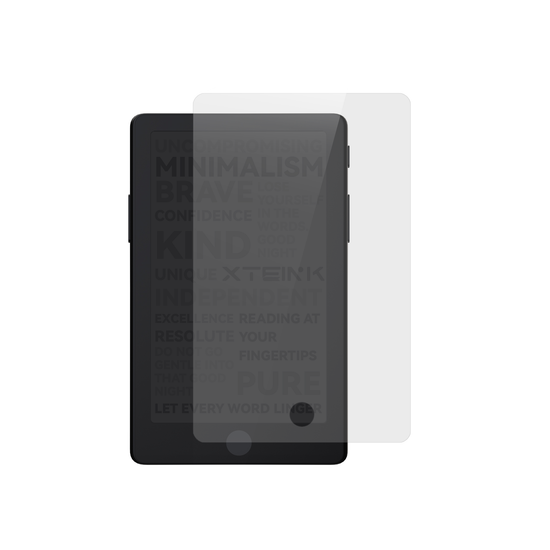 XTEINK X4 Pro Tempered Glass Screen Protector
 XTEINK eReader Adhesive Metal Ring

Couldn't load pickup availability
Why shop on the official website? Please enjoy full XTEINK support and avoid third-party firmware restrictions.
Secure Checkout Guaranteed
Secure Checkout Guaranteed
We accept PayPal and 10+ Major Payment Methods, including Visa, Mastercard, American Express, Apple Pay, and Google Pay. All transactions are securely encrypted for your peace of mind.
Where We Ship
Where We Ship
Argentina, Australia, Austria, Bangladesh, Belgium, Brunei, Bulgaria, Canada, Colombia, Costa Rica, Croatia, Cyprus, Czech Republic, Denmark, Estonia, Finland, France, Georgia, Germany, Greece, Hong Kong, Hungary, Iceland, India(Exclude Meghalaya, Jammu and Kashmir, Telangana), Indonesia, Iraq, Ireland, Israel, Italy, Japan, Kazakhstan, Kuwait, Latvia, Lithuania, Luxembourg, Macao, Malaysia, Malta, Mexico, Morocco, Myanmar, Netherlands, New Zealand, Norway, Oman, Peru, Philippines, Poland, Portugal, Qatar, Romania, Saudi Arabia, Serbia, Singapore, Slovakia, Slovenia, South Africa, South Korea, Spain, Sri Lanka, Sweden, Switzerland, Taiwan, Thailand, Ukraine, United Arab Emirates, United Kingdom, United States, Uruguay.
Unrestricted Firmware Guarantee
Unrestricted Firmware Guarantee
All units purchased directly through the XTEINK official website are exempt from third-party firmware restrictions. This commitment applies to all past and present models, with no planned changes for future updates.








Front Light

Buttons & Touch

Pocket-Sized

5.95mm

Built-in Magnets

APP

1100mAh Battery


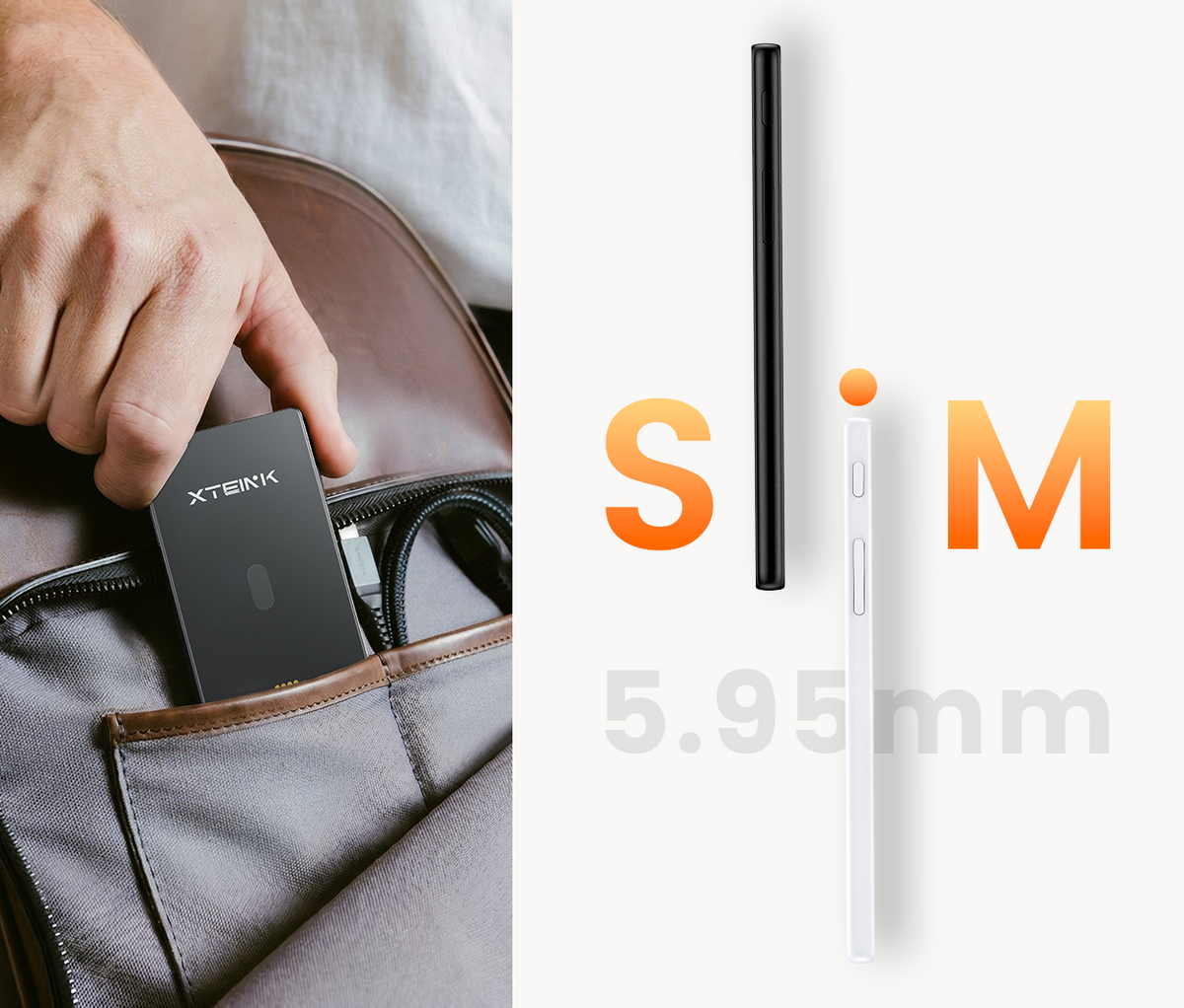
5.95mm Slim. Pocket-Ready
Ultra-slim and lightweight, made to slip into your day with ease.

Turn Spare Moments into Reading Time
No distractions. Just a cleaner, calmer way to stay with your books.
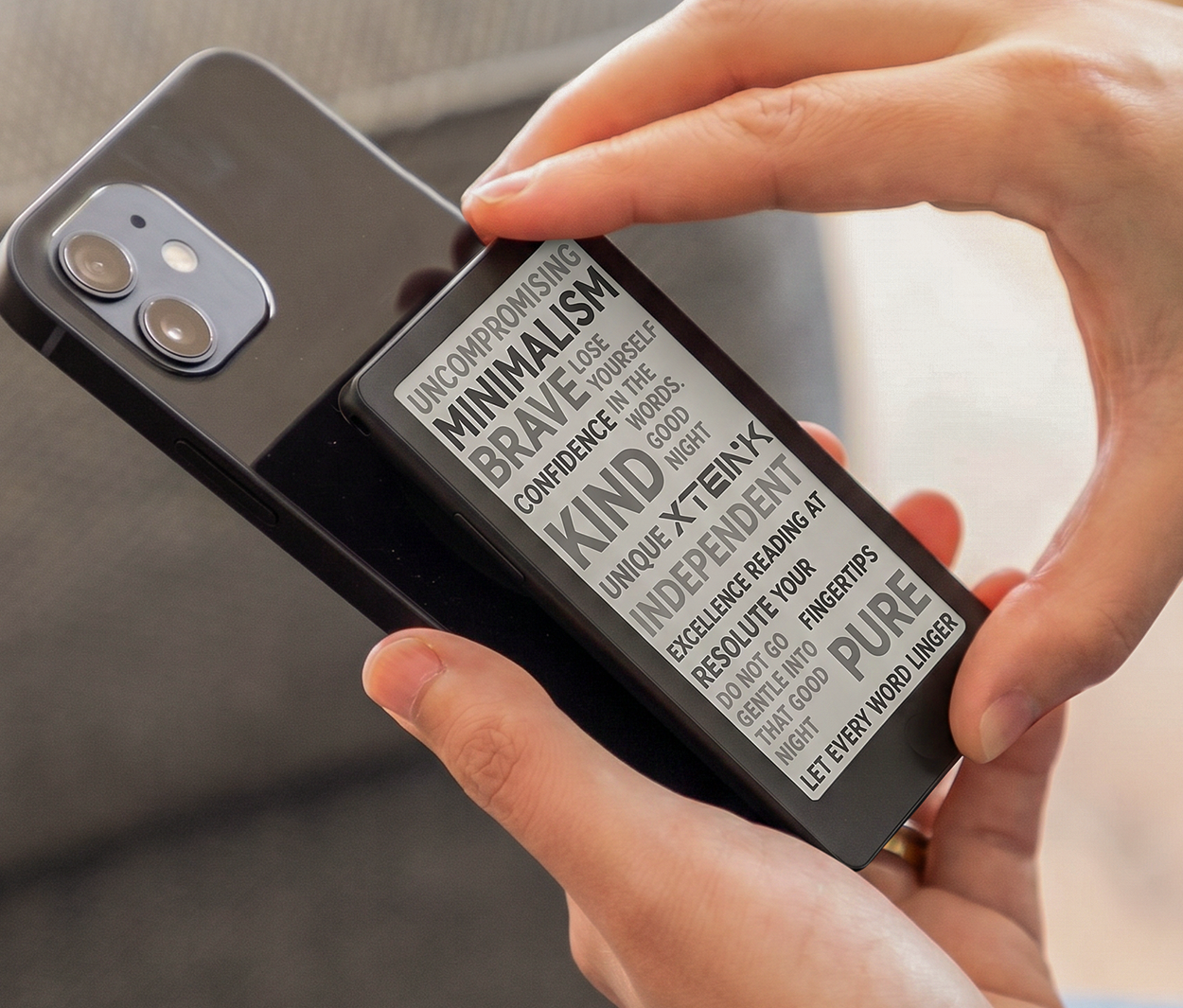
Snap Into Your Day
Built-in magnets pair with compatible phones on the go.


DETAILS + DIMENSIONS
Display 4.3 inch
Resolution 219 PPI
Dimensions 111 × 69 × 5.95 mm
Weight 72g
Storage Comes with 16 GB microSD card, supports expansion up to 256 GB
Connectivity Wi-Fi 2.4 GHz & Bluetooth® wireless technology
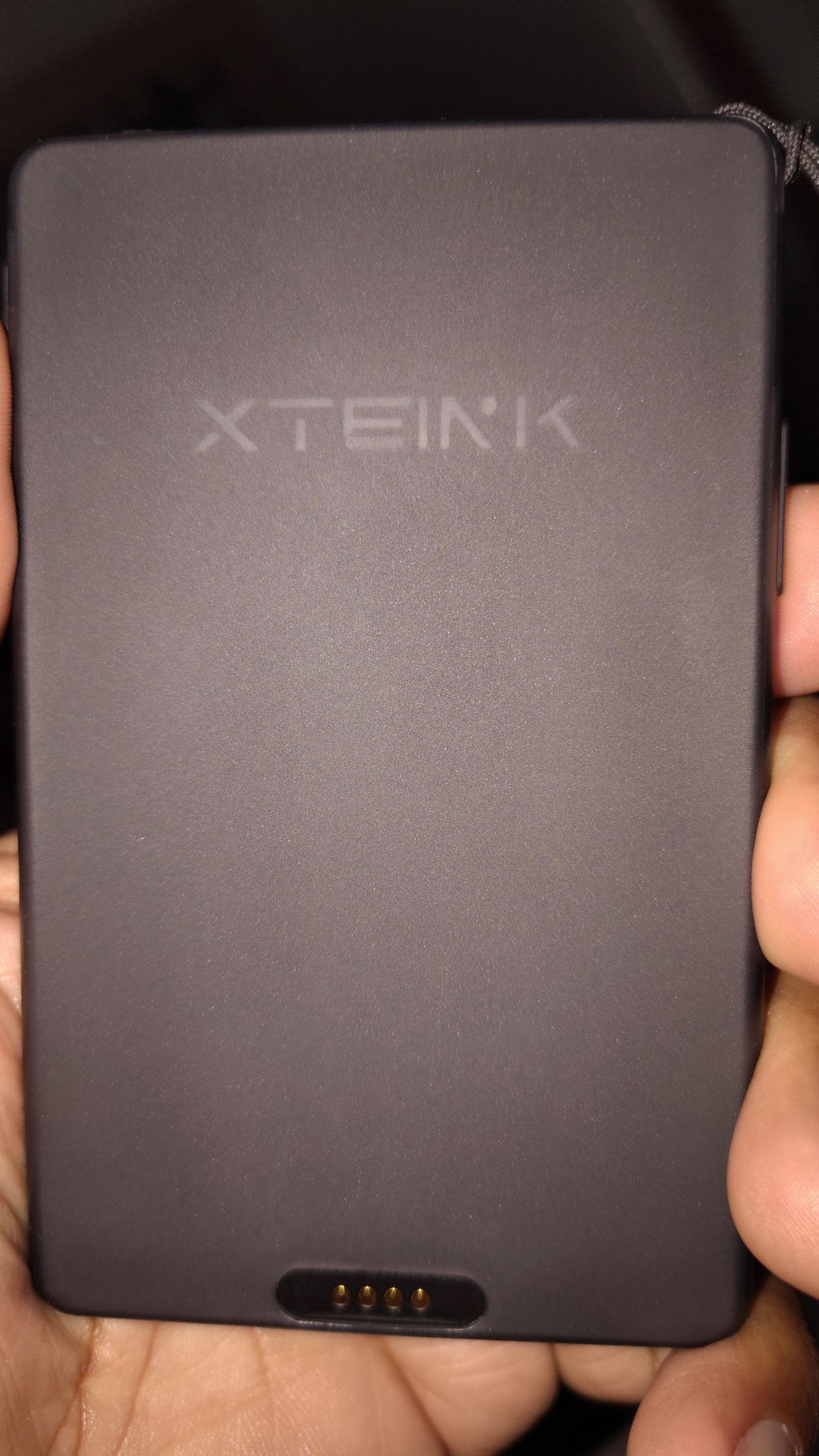
Ports Pogo Pin
Battery 1100 mAh
Supported Formats Document: EPUB, TXT / Image: JPG, BMP / Fonts: BIN / XTF
Color Options Space Black
Firmware Languages English, Japanese, Simplified/Traditional Chinese. More availability of certain languages may vary and will be rolled out via future firmware updates: Korean, Turkish, German, French, Spanish, Italian, Portuguese, Dutch, Russian, Polish, Czech, Hungarian, Vietnamese, Malay, Indonesian, Thai, and Greek.
Front light Yes
Touchscreen Yes
POWER + CONNECTIVITY
Battery 1100 mAh
Connectivity Wi-Fi 2.4 GHz
Ports Pogo pin
BOX CONTENTS
1 × X4 Pro E-Reader
1× Quick Start Guide
1× MicroSD Card
1× Matte Screen Protector
2× E-Reader Adhesive Metal Ring
1× Magnetic Charging Adapter
How do I import books to X4 Pro?
You can import books using either the Xteink app or a USB cable. Using the Xteink App:
- Bind your X4 Pro to the Xteink app and connect the device to a Wi-Fi network.
- Open the Devices tab in the app and select X4 Pro.
- Tap Import, select the file type, and choose the book file from your phone.
- On the X4 Pro Home screen, tap the upper-right corner to open the menu.
- Select Cloud Sync to receive the file.
Using a USB cable:
- Connect X4 Pro to your computer using a USB cable.
- On the X4 Pro Home screen, tap the upper-right corner to open the menu.
- Select USB Mode.
- Once X4 Pro appears on your computer, copy the book file to the device.
How do I import and use custom fonts?
You can import custom fonts using either the Xteink app or a USB cable.Using the Xteink app:
- Bind your X4 Pro to the Xteink app and connect the device to a Wi-Fi network.
- Open the Devices tab in the app and select X4 Pro.
- Tap Import, select the font file type, and choose a font file from your phone.
- On the X4 Pro Home screen, tap the upper-right corner to open the menu.
- Select Cloud Sync to receive the font file.
Using a USB cable:
- Connect X4 Pro to your computer using a USB cable.
- On the X4 Pro Home screen, tap the upper-right corner to open the menu.
- Select USB Mode.
- Once X4 Pro appears on your computer, copy the font file to the Font folder.
- Exit USB Mode and open a book.
- On the reading screen, select Font, then choose the font you want to use.
Which font formats are supported?
X4 Pro currently supports the following font formats:
- XTF
- BIN
TTF font support will be added in a future firmware update.
How do I set a custom wallpaper?
You can add wallpapers using the Xteink app, a USB cable, or the Discover section in the app.Using the Xteink app:
- Bind your X4 Pro to the Xteink app and connect the device to a Wi-Fi network.
- Open the Devices tab in the app and select X4 Pro.
- Tap Import, select the wallpaper file type, and choose an image from your phone.
- On the X4 Pro Home screen, tap the upper-right corner to open the menu.
- Select Cloud Sync to receive the wallpaper.
Using a USB cable:
- Connect X4 Pro to your computer using a USB cable.
- On the X4 Pro Home screen, tap the upper-right corner to open the menu.
- Select USB Mode.
- Once X4 Pro appears on your computer, copy the image to the wallpaper folder.
- Exit USB Mode.
- Go to All Files > Wallpapers and find the image.
- Press and hold the image, then select Set as Wallpaper.
- Turn off the device to view the wallpaper.
Using wallpapers from Discover:
- Open the Xteink app and go to the Discover tab.
- Browse wallpapers shared by other users.
- Select a wallpaper to open its details page.
- Tap Use This Template in the lower-right corner.
- Select X4 Pro and confirm.
- On X4 Pro, open Cloud Sync to receive the wallpaper.
This feature will be supported in a future app update.
How do I bind X4 Pro to the Xteink app?
Tap the upper-right corner on the X4 Pro Home screen to open the menu.
Select Settings.
Select the first option, Log In to Account, to open the device binding page.
Open the Xteink app on your phone.
Scan the QR code displayed on X4 Pro.
Follow the on-screen instructions to complete the binding process.
How do I set the correct time and time zone?
First, make sure X4 Pro is connected to a working Wi-Fi network.If the displayed time is incorrect for your country or region:
- Go to Settings > Time > Time Zone.
- Select the appropriate time zone for your location.
The device will then display the correct local time.
Does the X4 Pro include a charging cable?
No. A charging cable is not included in the box.
Is damage caused by software modifications covered under warranty?
Issues caused by unofficial firmware, third-party SDK modifications, or other unauthorized software changes are not covered by the XTEINK warranty. Paid repair service may be available depending on the issue.
Pocket-sized e-reader with touchscreen, adjustable backlight, and excellent battery life. Customers said "it's a game changer" for portable reading. Praised for compact size and customization. Some reported issues with pogo charger connection, button quality, and customer service responsiveness. A few received defective units.
I loved my original X4, but the XTEINK X4Pro is on a completely different level. This is the tiny e-reader I always dreamed of.
1. The Touchscreen - So Natural, So Fast:
The addition of the touchscreen makes this feel like a *real* main e-reader, not just a novelty companion. The old button-only navigation is gone. Now you can tap to turn pages, tap the side of the screen, or still use the physical buttons if you want one-handed reading in bed. You can even disable the touch and go full buttons if you want. It's the best of both worlds - phone-like UI with e-ink soul. I built muscle memory in a day.
**2. The Front Light - The Game Changer:
This is the upgrade that made me sell my Kindle. The **adjustable dual-tone front light with warm-to-cool temperature controls** is absolutely beautiful. During the day you don't need it at all, but at night? In a completely dark room? Pure magic.
I now read on the X4Pro every single night before sleep on the dimmest warm setting. It's a soft, eye-friendly glow - slightly warm, not harsh or blue at all - that lets you read under the covers without disturbing anyone. The fact they kept it at 72g and only 5.95mm thin while ADDING a light and a much bigger 1100mAh battery is engineering wizardry.
Everything else is still perfect: 4.3-inch 219 PPI E Ink display that's razor sharp, magnetic back that snaps to my iPhone so I literally never forget it, 16GB expandable storage, and open-source firmware support.
For $99, this is not just the cutest e-reader ever made - it's now the most *usable*. If you were on the fence about the X4, the X4Pro fixes its predecessor's biggest problems and turns it into a true Kindle replacement you can fit in your palm.
Buy it. You will read more. Period.
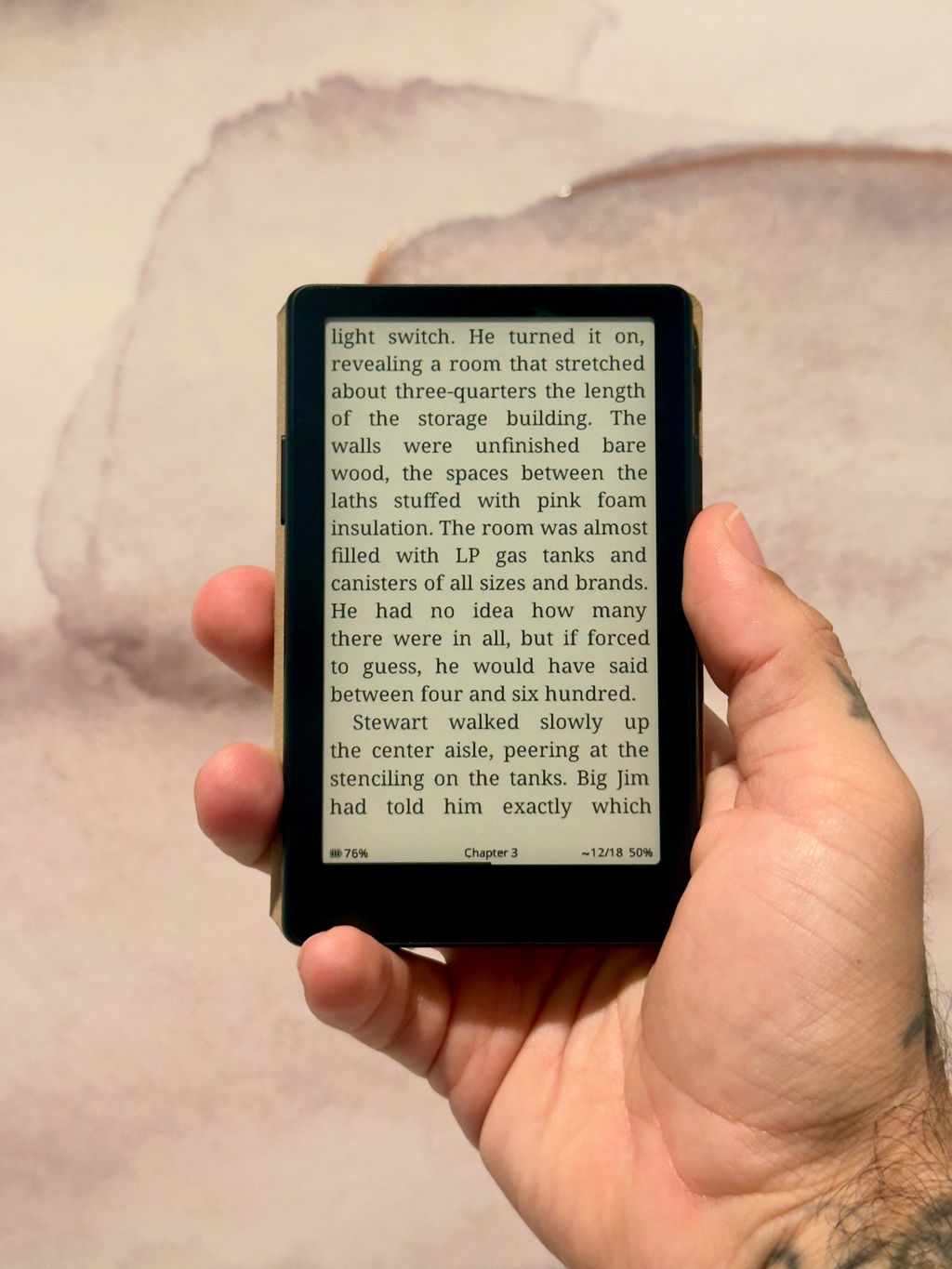
This has truly been a gamechanger for my reading. It is convenient, and the fact that it has a backlight has truly made it the best pocket rreader.
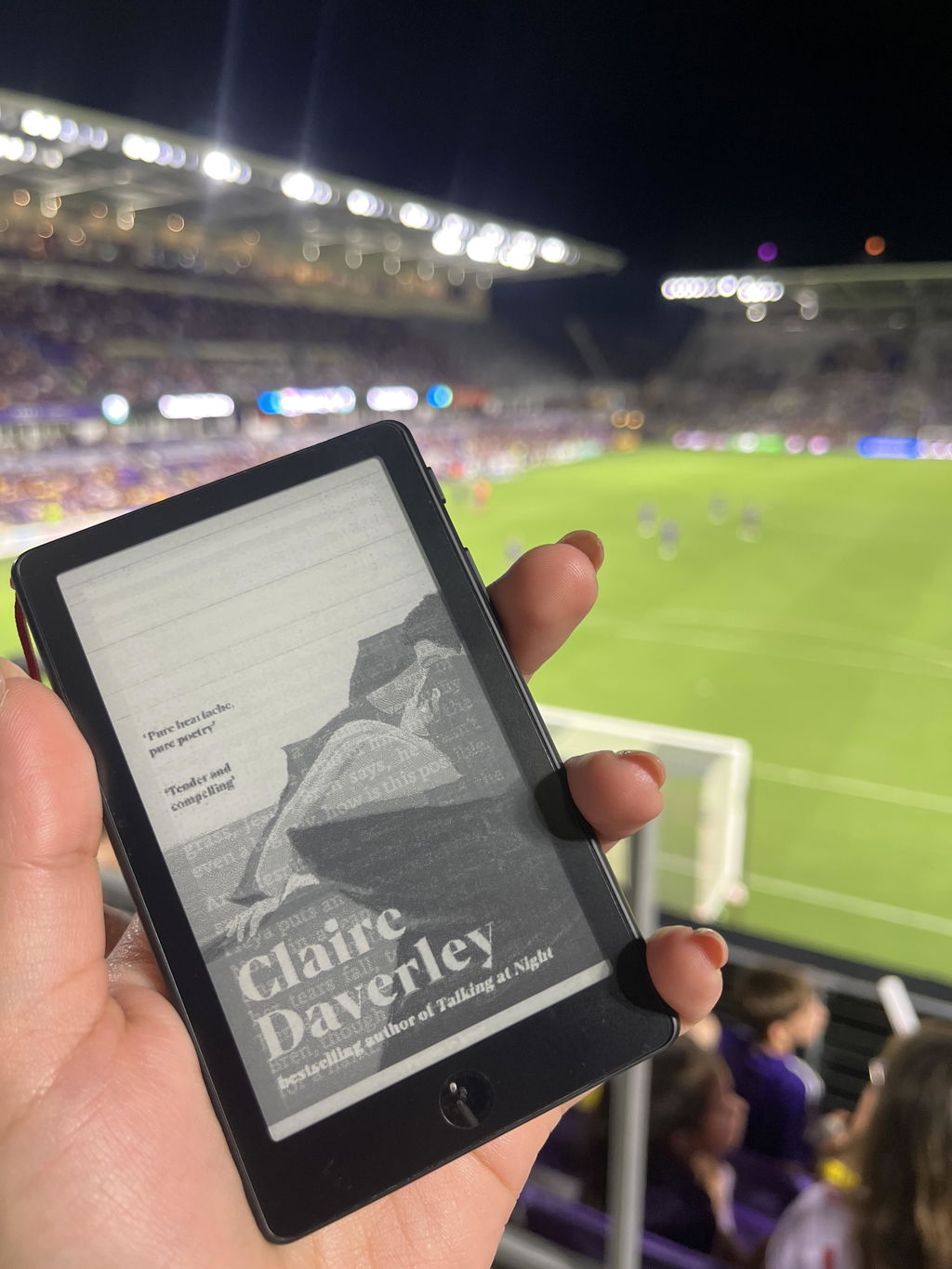
Best ereader ever

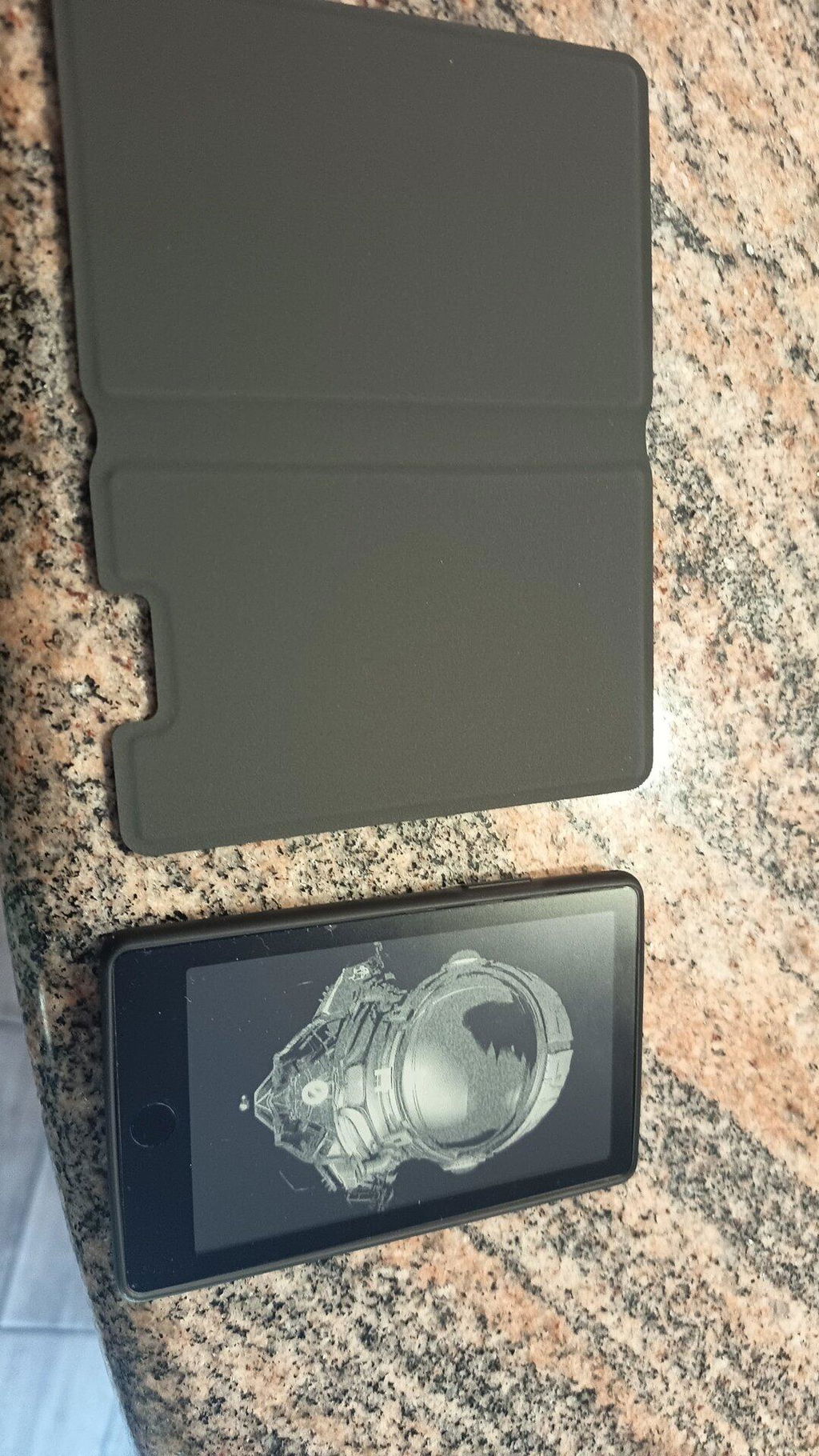
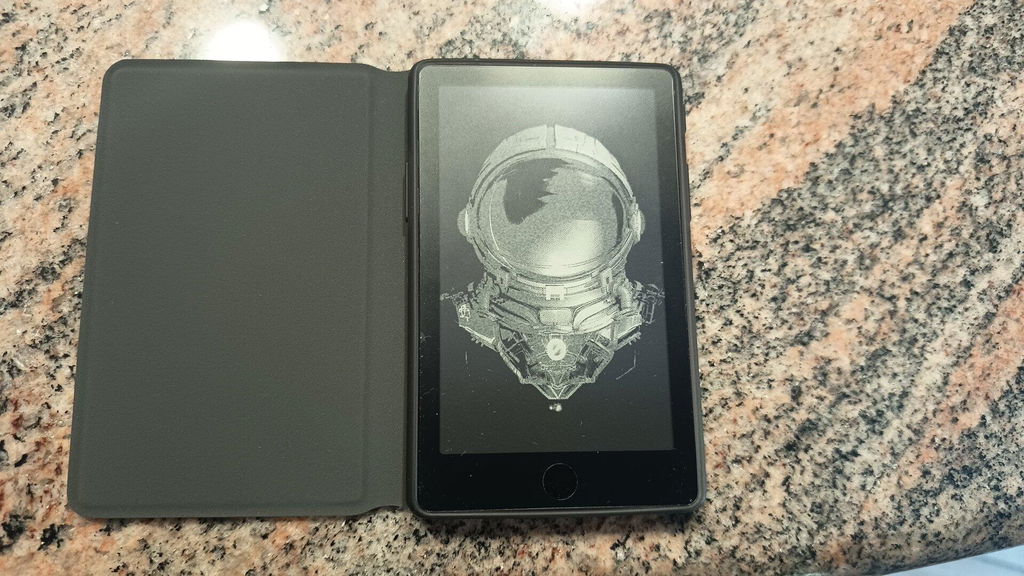
Love it! The touchscreen makes it easier to navigate through the menu’s and the front light is a game changer for late night reading sessions
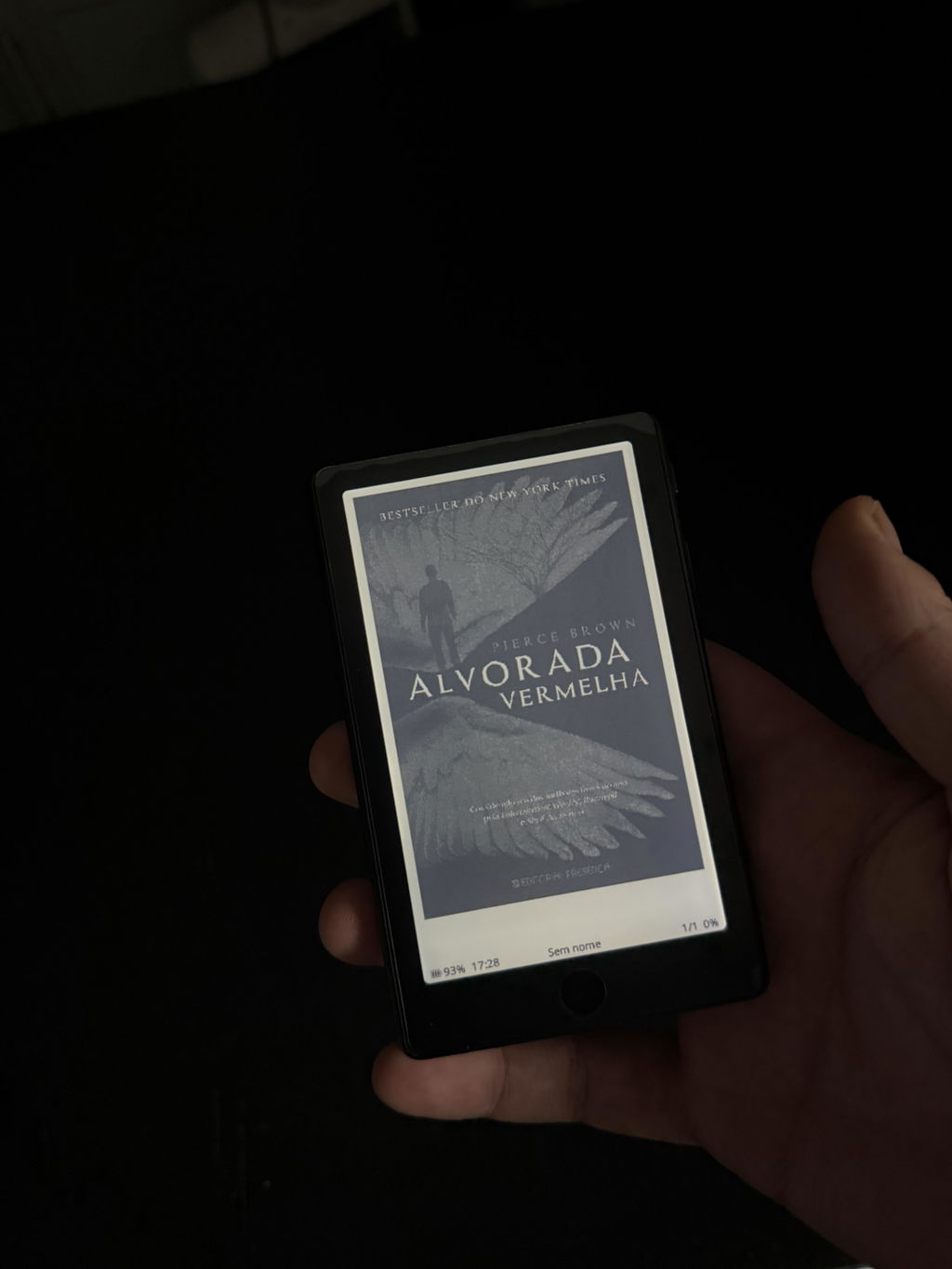
Love this little device, I've always had issues with getting to read books and this has actually helped me a lot. X4 pro has a lot of features that kept me from buying one of these little devices.
One con however is the constant worry of damaging the screen. After hearing multiple stories on how everyone ended up damaging the screen...im really careful with mine and end up not taking it outside, especially since I paid 100$ for it. Otherwise I extremely reccomend this little guy to anyone who's had trouble getting to read or finish a book
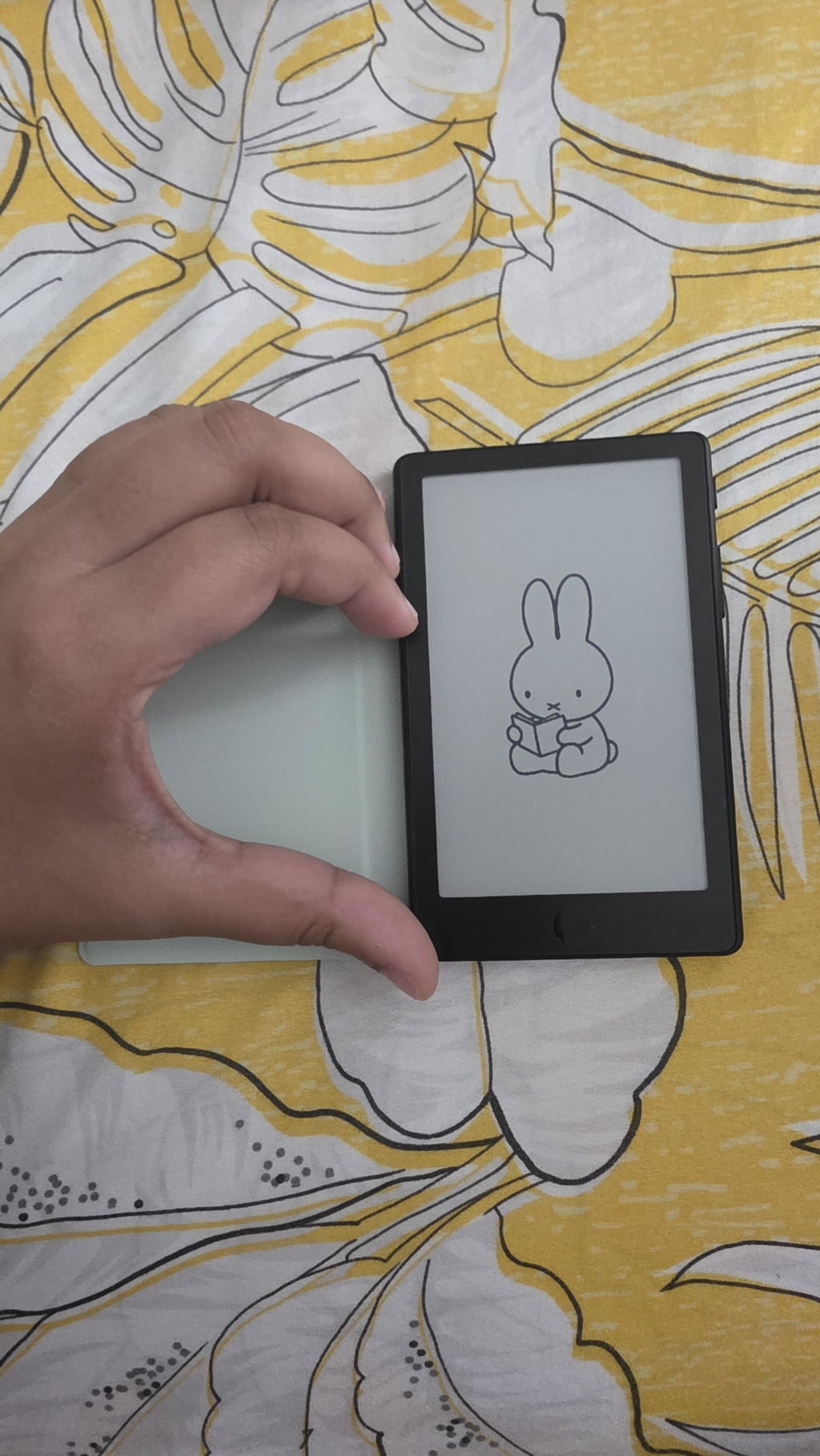
Me encanta su portabilidad y tenerlo siempre disponible en el bolsillo
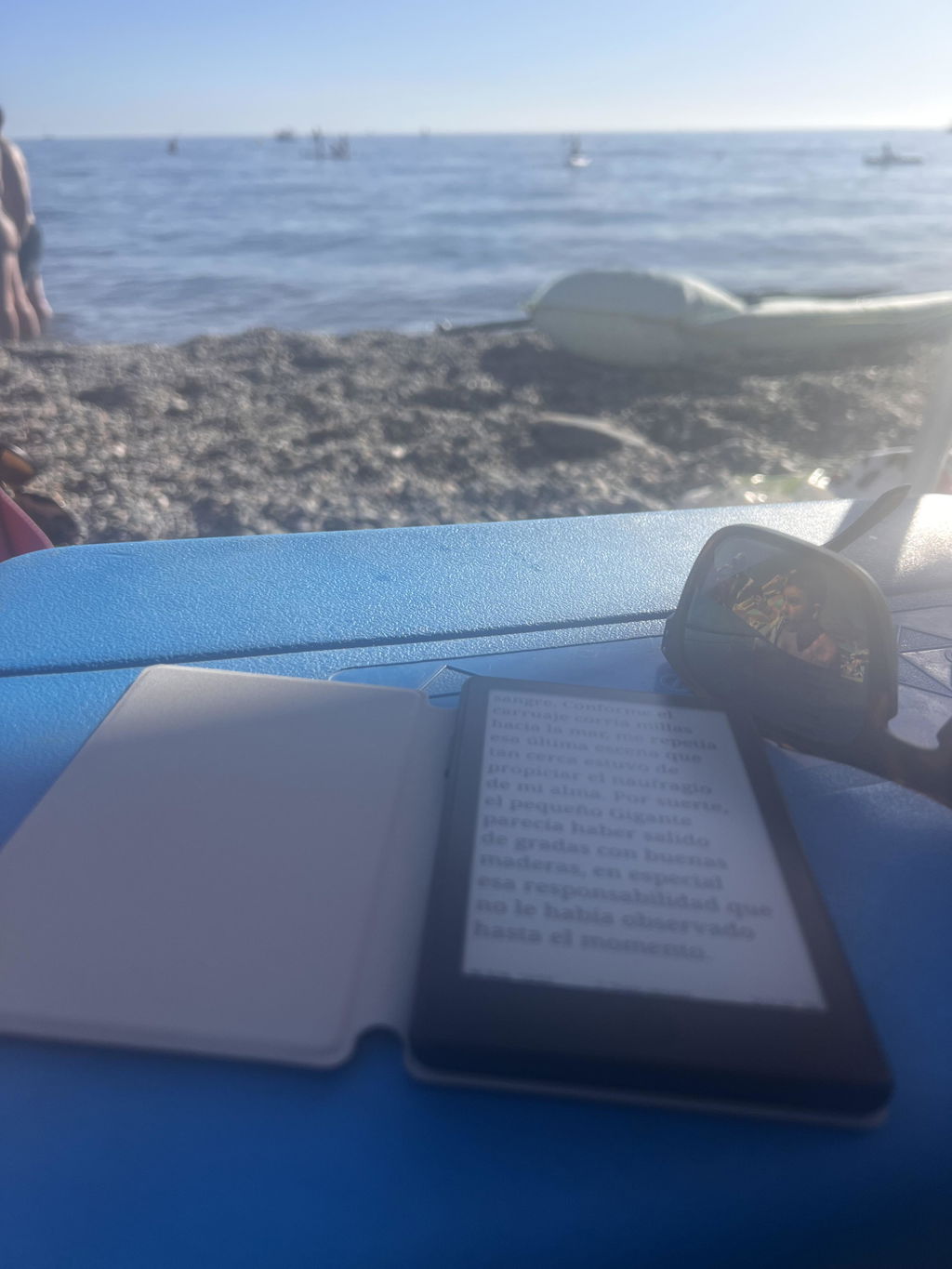
Me está cambiando la vida.
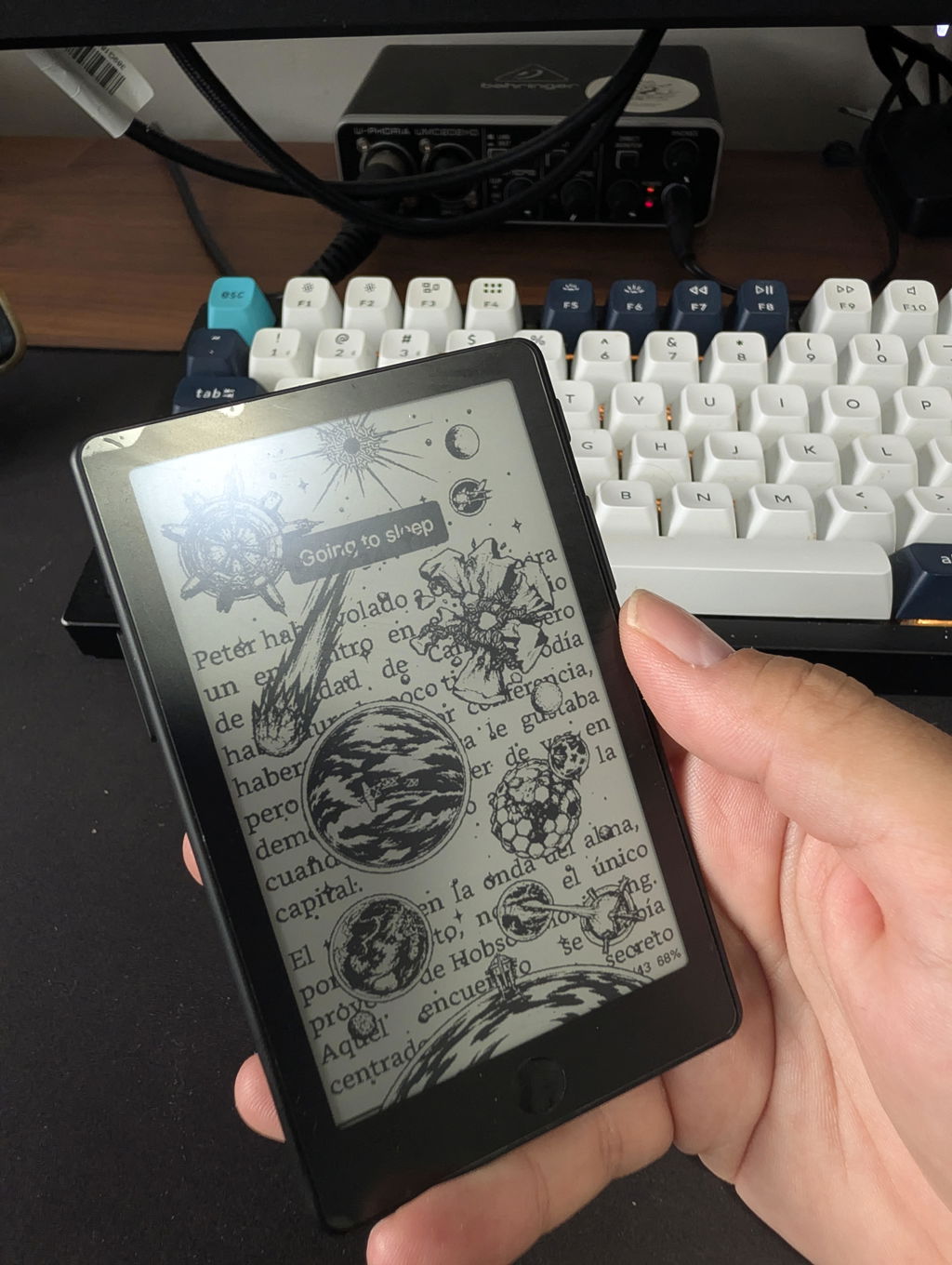
The Xteink X4 Pro is the perfect complement to my 11-inch e-reader. Its form factor is very appealing, and the design impresses with its excellent ergonomics. The touchscreen functionality and backlight are exactly the features I had been missing. Thanks to the alternative Crosspoint firmware—and the ease of switching back to the original software—the device offers great flexibility. File transfer via the browser is also extremely convenient.
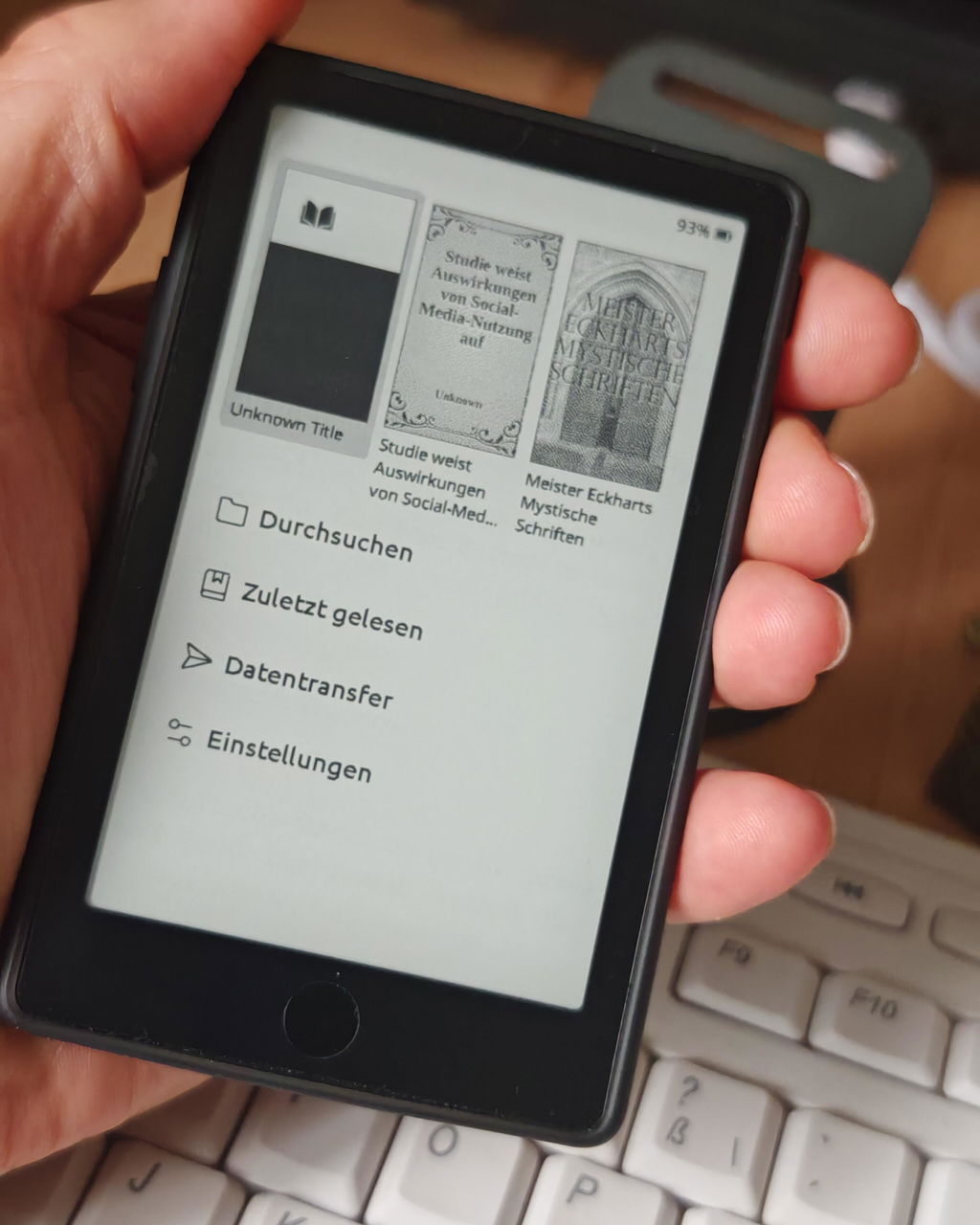
Great device but the display is not as sharp like the x3‘s display.
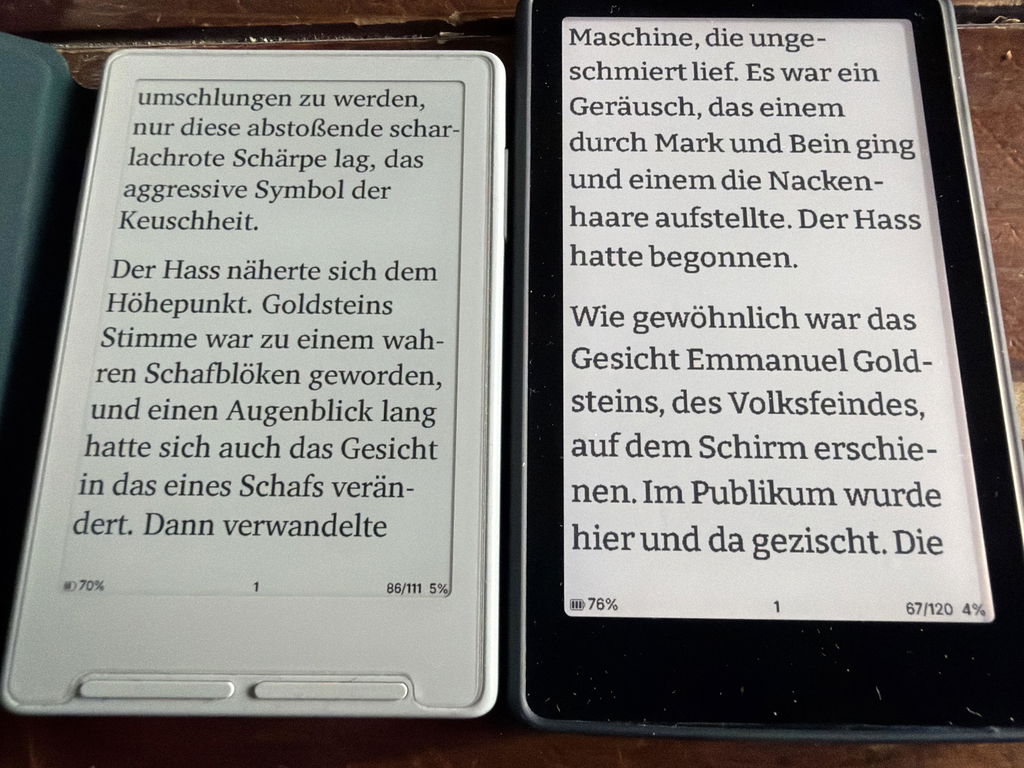
Ich bin wirklich sehr zufrieden mit dem X4 Pro. Das Gerät ist super handlich und einfach zu bedienen. Es ist ideal für unterwegs und ist genau die Ergänzung in meinem Bücherregal, die mir im Alltag gefehlt hat. Mir gefällt neben den Format besonders das beleuchtete Display und die Möglichkeit sowohl Tasten als auch Touch Display zu haben.
Des Weiteren hat das Überspielen einer anderen Firmware sehr einfach funktioniert, wodurch ich meinen X4 Pro noch mehr auf meine Bedürfnisse anpassen konnte.
Auch der Versand aus Übersee hat wunderbar funktioniert und das Paket war innerhalb von 9 Tagen (7 Werktagen) da.
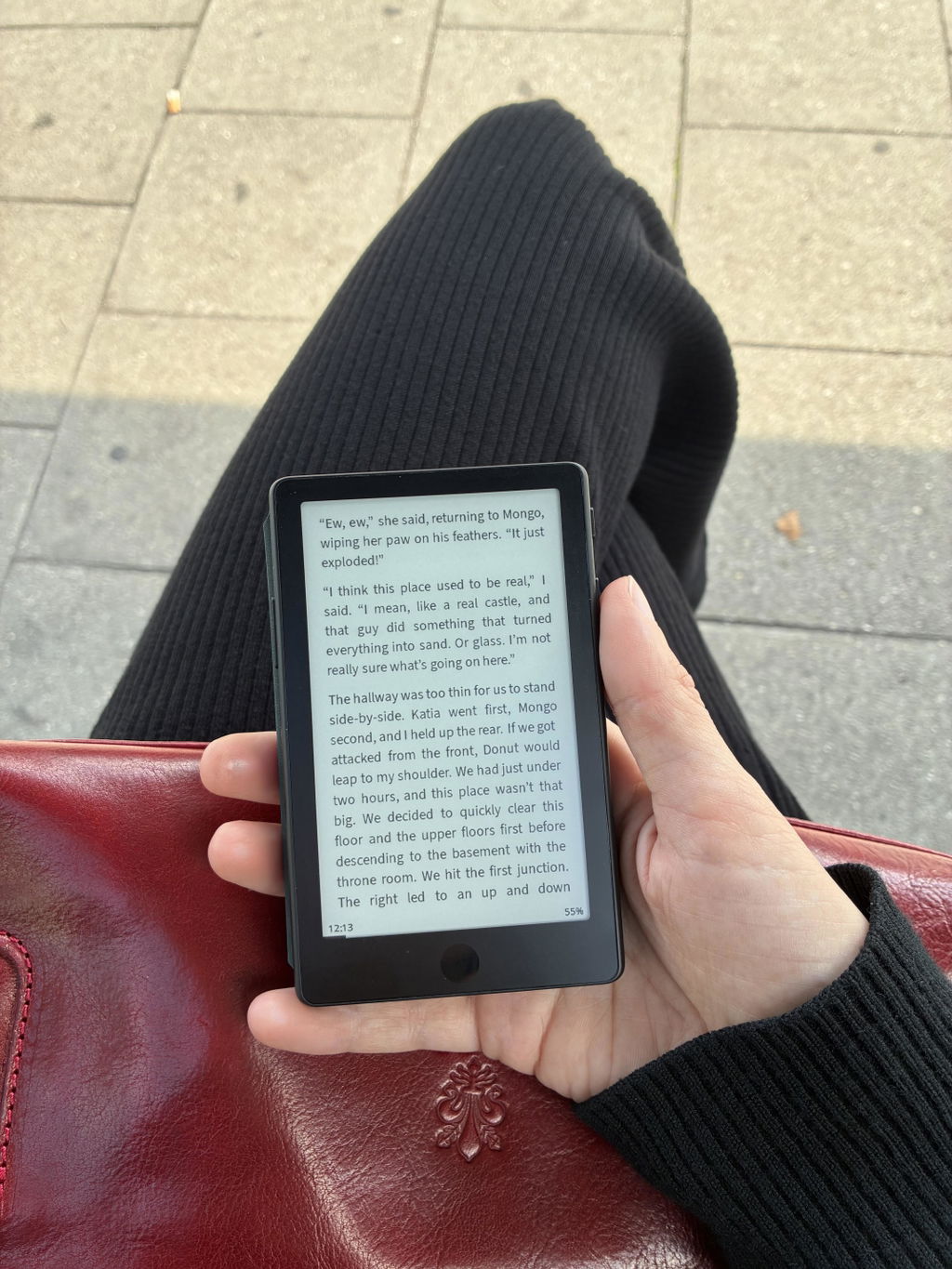
After waiting a month for my Xteink X4 PRO, I was deeply disappointed to discover dust/debris trapped inside the display right out of the box. To make matters worse, despite support reading my inquiry email, they haven't provided any follow-up or guidance regarding a replacement. It is truly a shame because the device itself would have been great if not for the defect, but the customer service experience has been very disappointing.
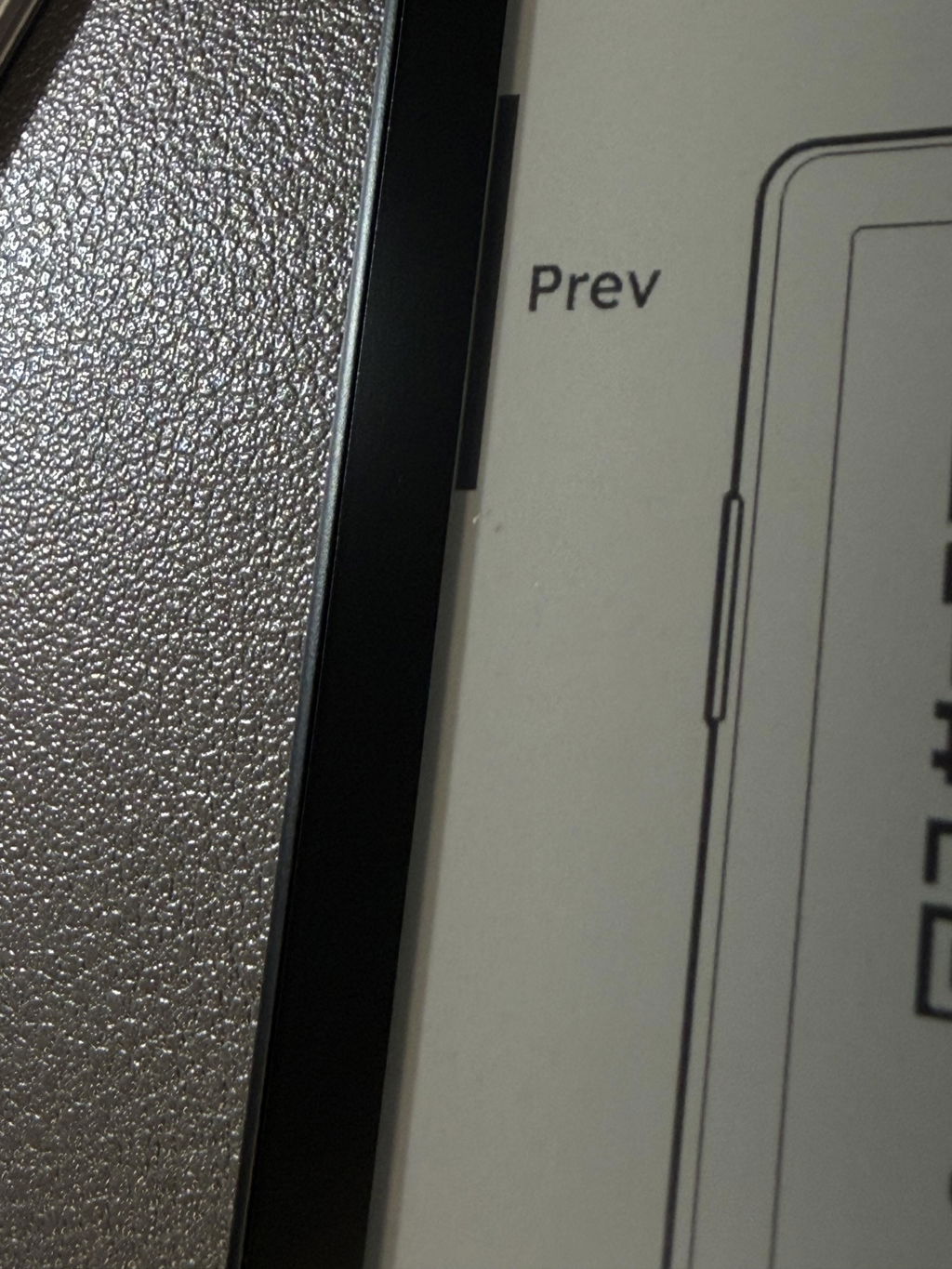
I read 5 books in 3 weeks and my doomscrolling time went practically to zero. Native software could be more friendly but loading much better community-made OS is easy-peasy. I don’t remember when last time I bought a gadget changing my life for better - but XTEINK is a such gadget for sure.
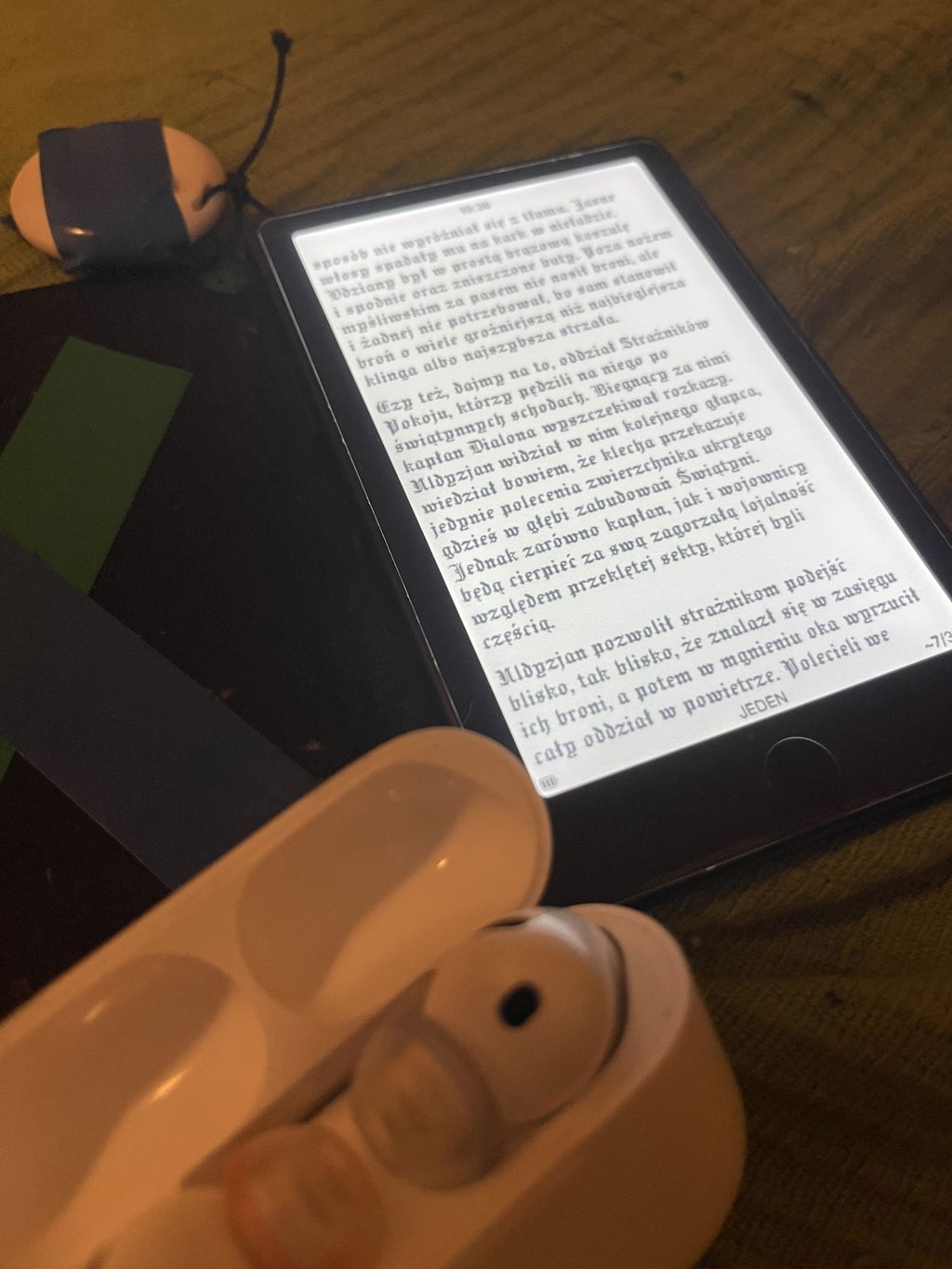
Huge upgrade from X4 but the front light of my device flickers. I tried different settings but it is still the same even when the front light is turned off, so I think my unit is defective. I’ve checked with other users who has the same unit and they told me that their unit is working well and no flickers. I emailed their support but haven’t heard from them. :( So pricey so it’s really sad to receive a defective unit and no support was given.
Meet all my expectation as my first pocketable ereader. Happy with the purchase.
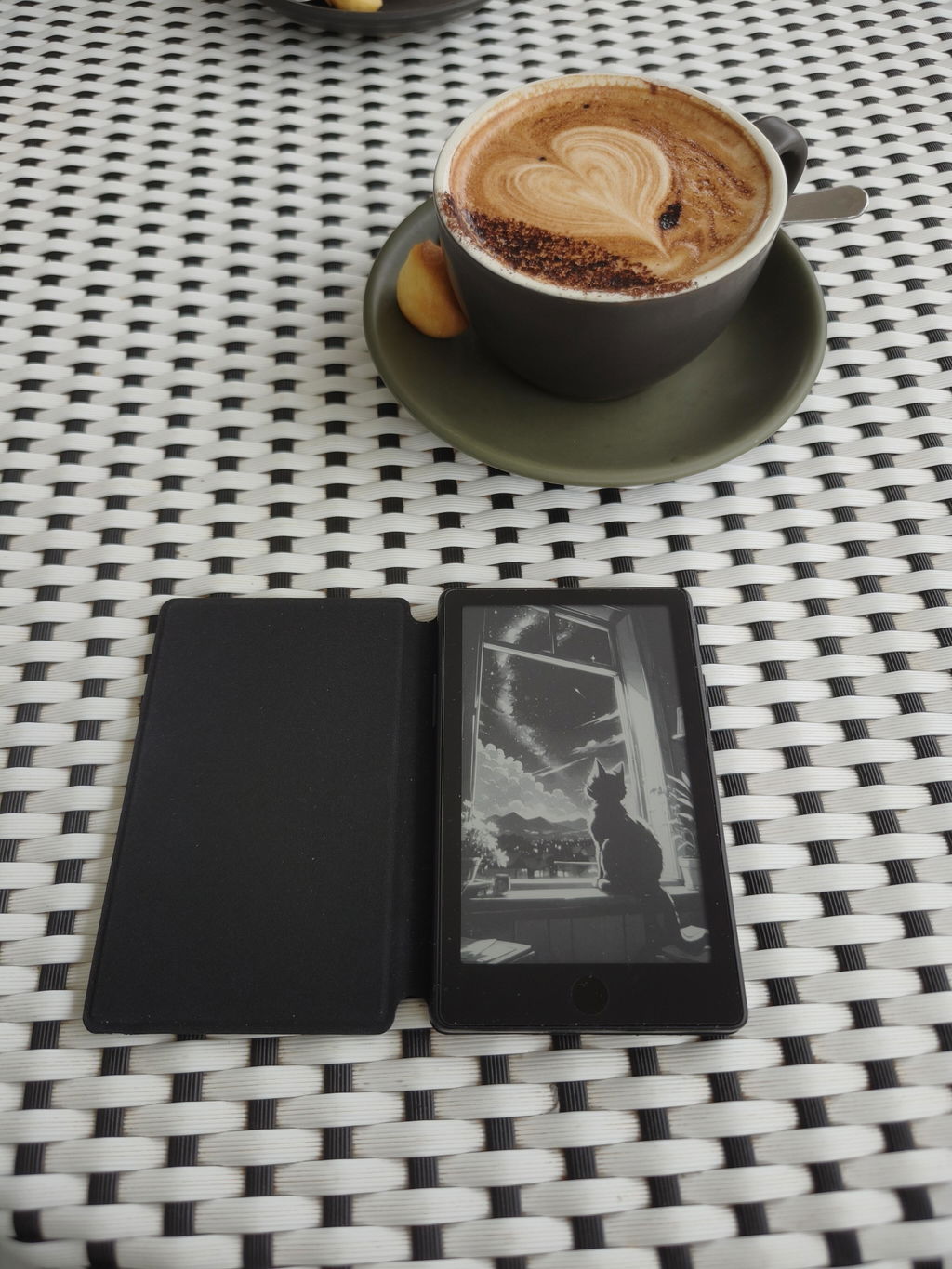
Shipping was reasonably fast and in line with guidance on website. Unfortunately, shipper crushed the package and my device arrived broken 😞
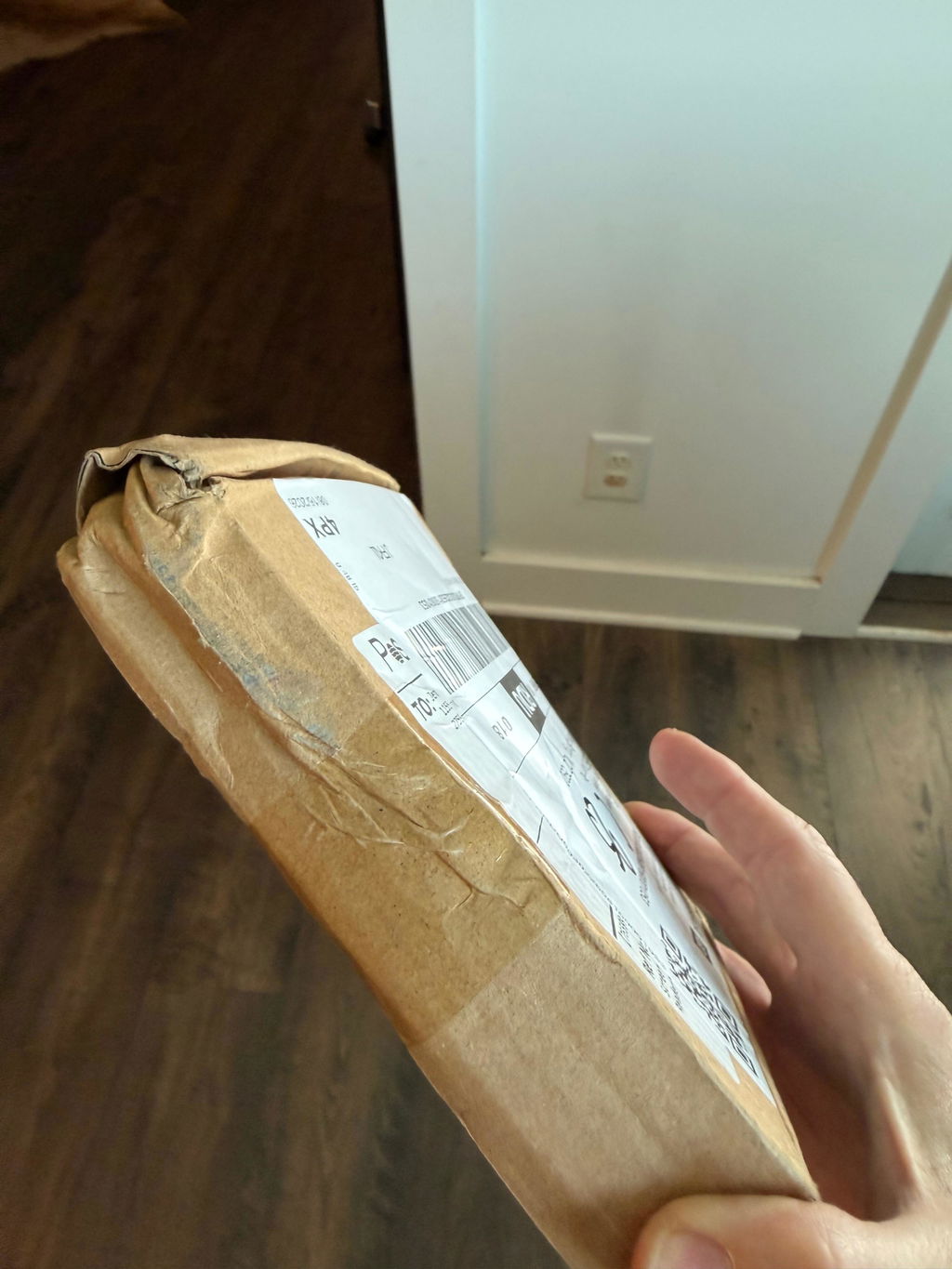
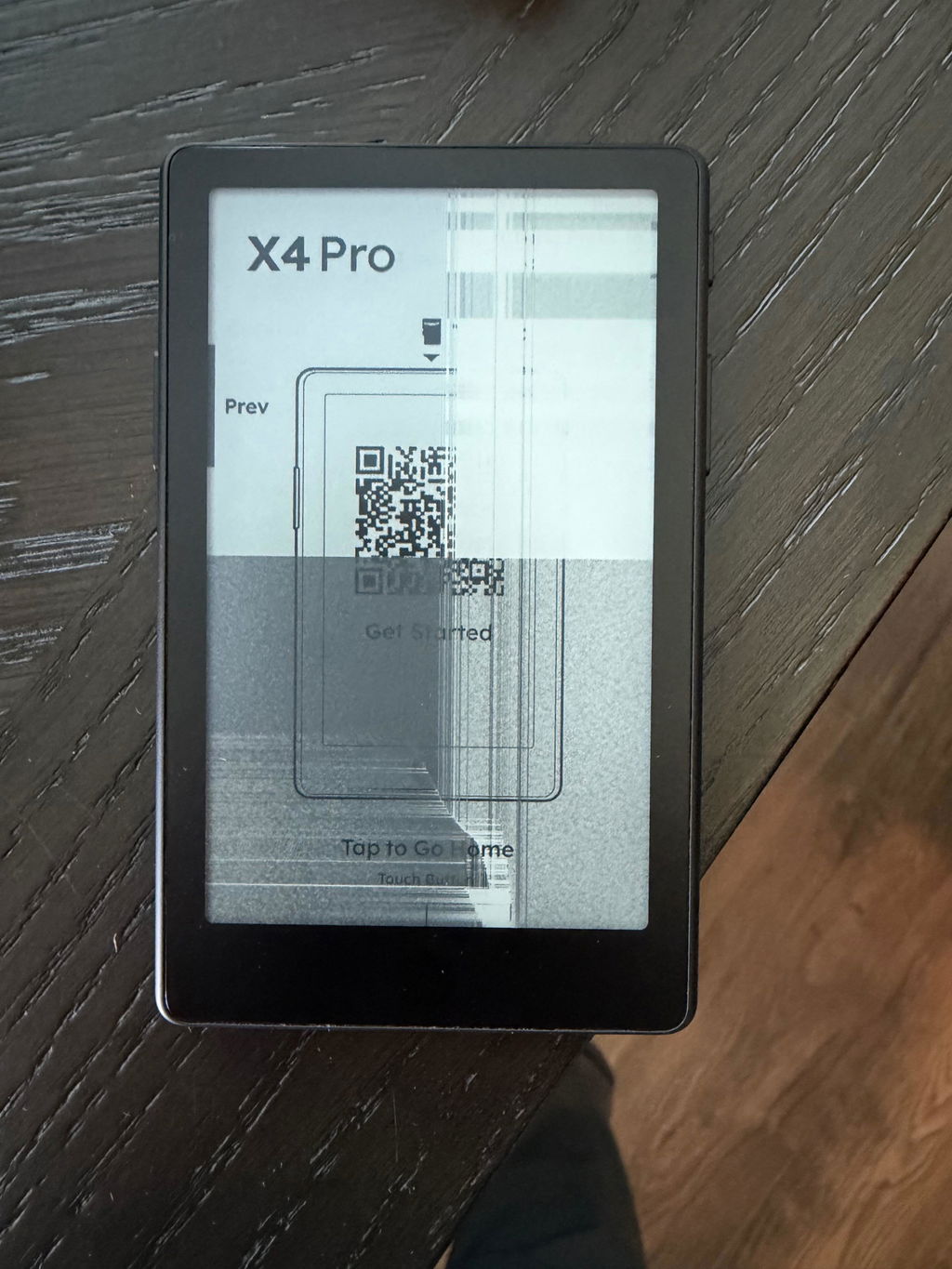
Hi Jennifer, we're very sorry to hear about the damaged device. Please contact our customer service so we can assist you with a replacement or refund. Thank you for your understanding.
Wallet size or smaller, comes with enough storage for a good library of books and PDF, Actively being improved, and with each update it gets better and better. Magnetic charger can be finicky, but I’ll take a backlight all day long over previous hardware versions.
I’m excited to get to modding!
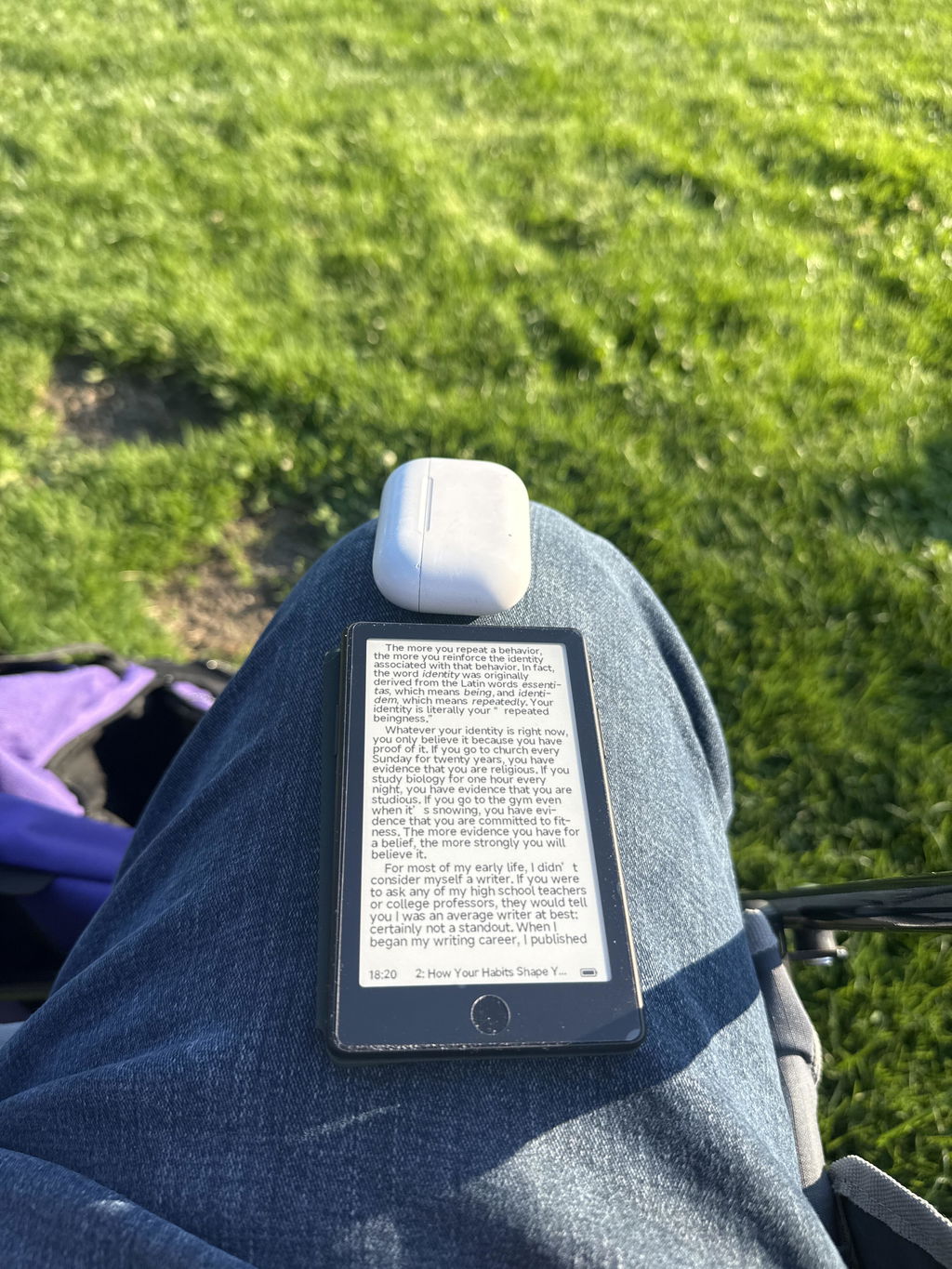
Ottimo e comodissimo per le leggere nonostante le dimensioni contenute.
nonostante le sue dimensioni è comodo per leggere e non risulta stancante. da consigliare per chi vuole leggere in qualsiasi posto.
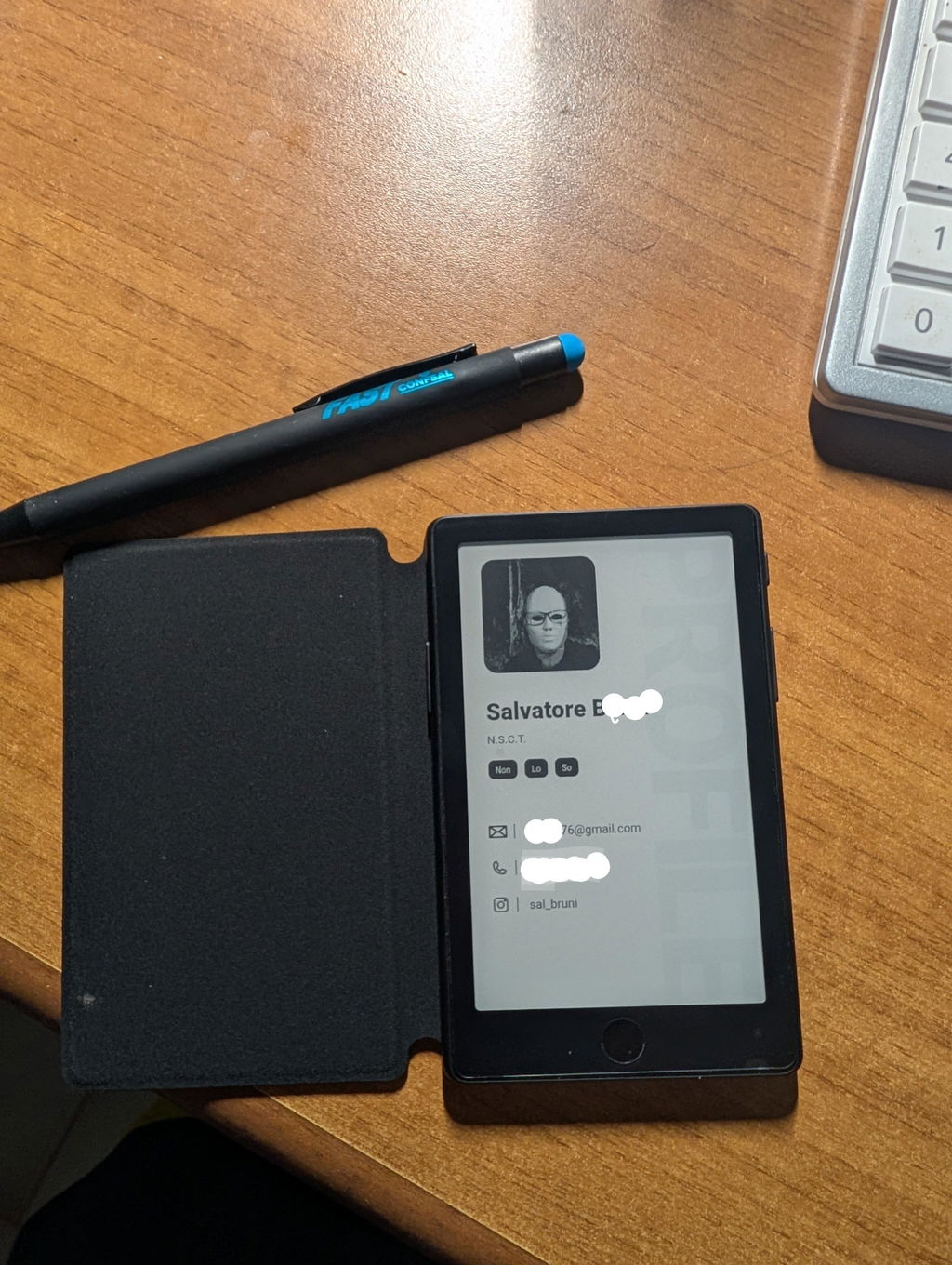
I finished a book in two days reaching for my Xteink X4 Pro rather than doom scrolling. This thing could be a game changer.
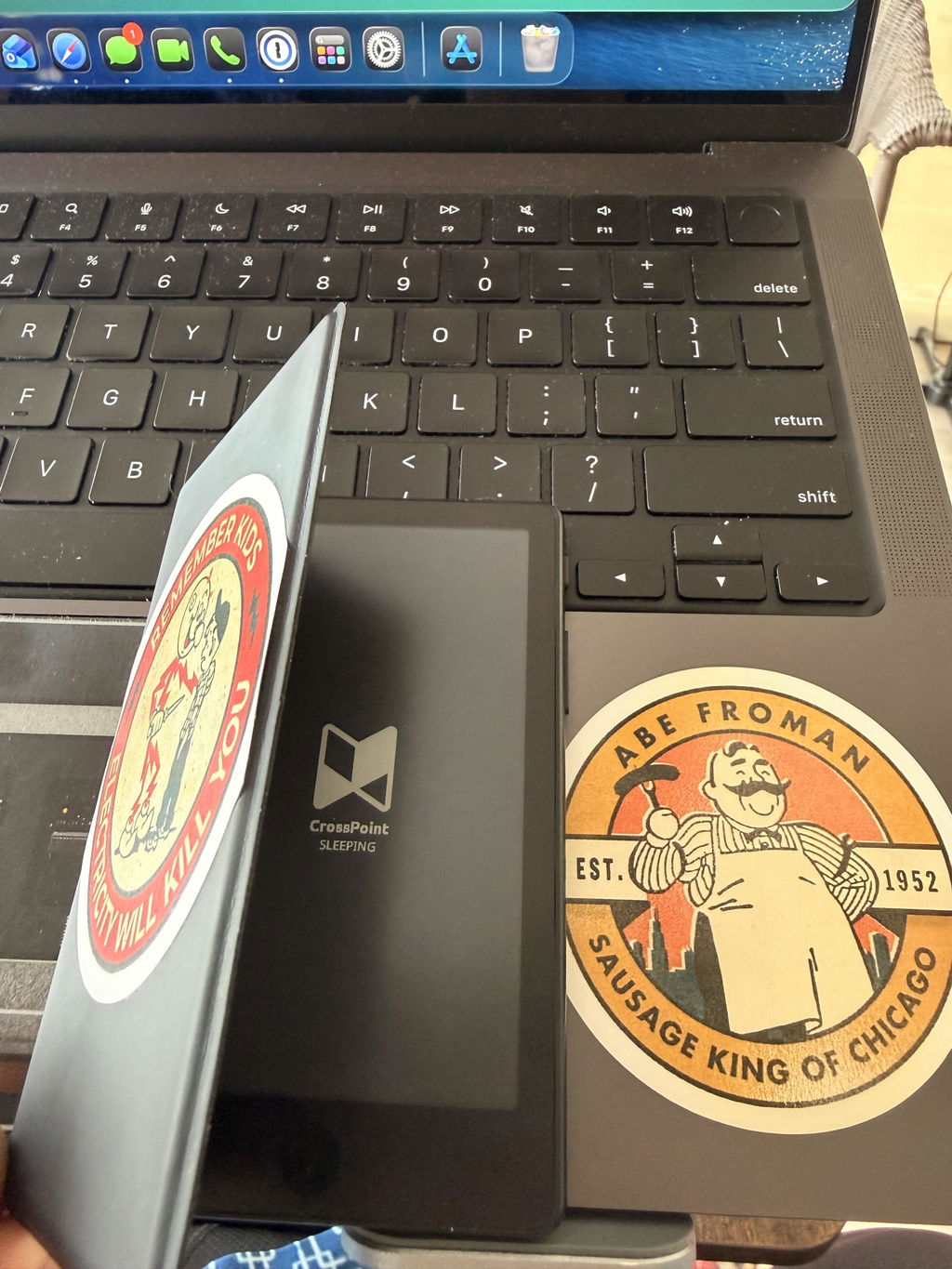
great product, I really love it, the light is a gamechanger. touchscreen is very good too, but not necessary in that kind of device. battery life is something you just don't have to worry about.
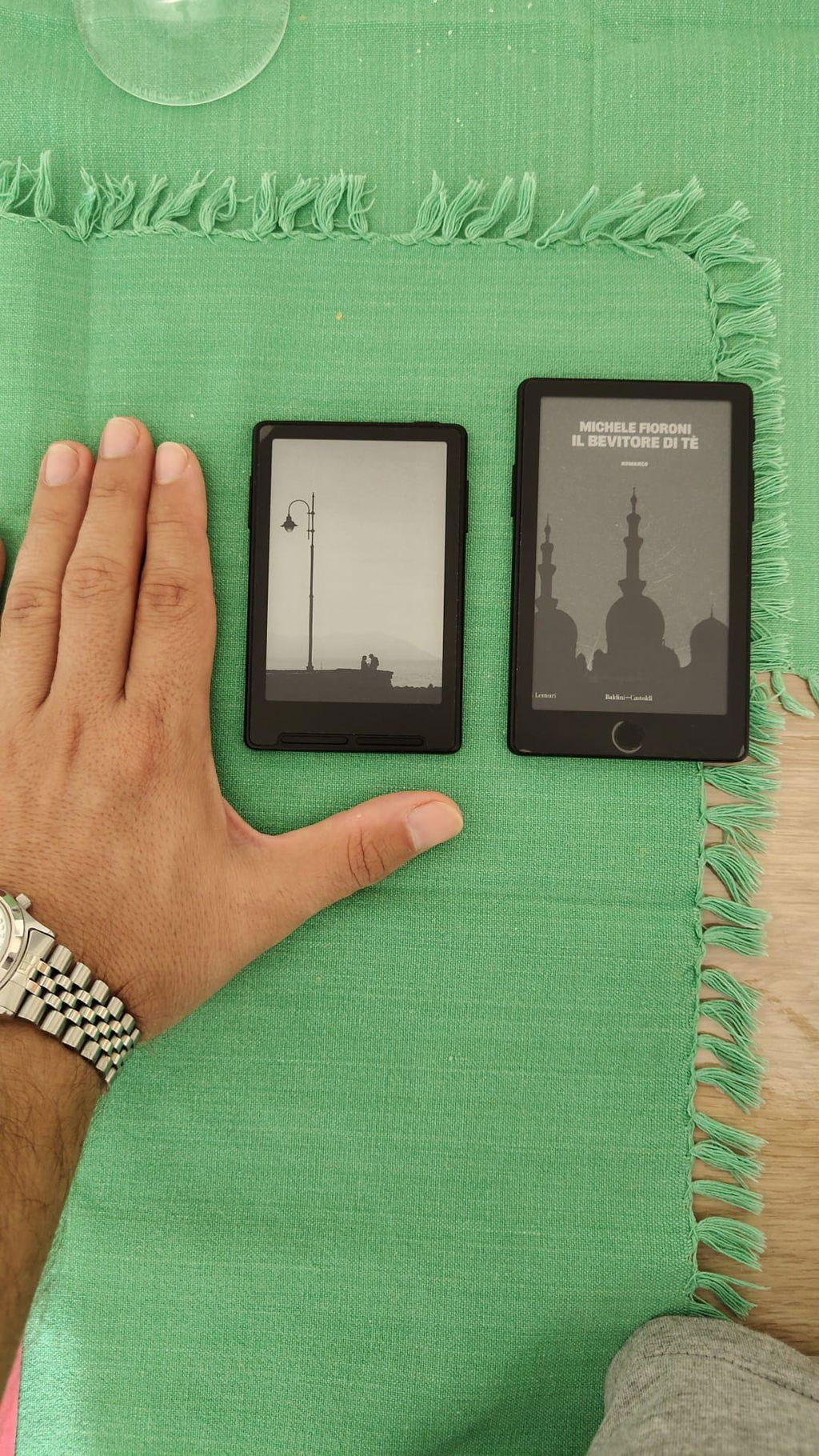
The ereader is now leaps and bounds better than the original X4. Front light is a welcome addition! Touch is convenient and familiar for phone users. It also accepts all epub files I loaded through xteink app, even the larger sized ones. Overall very nifty device to be carrying about during travels. Love it!
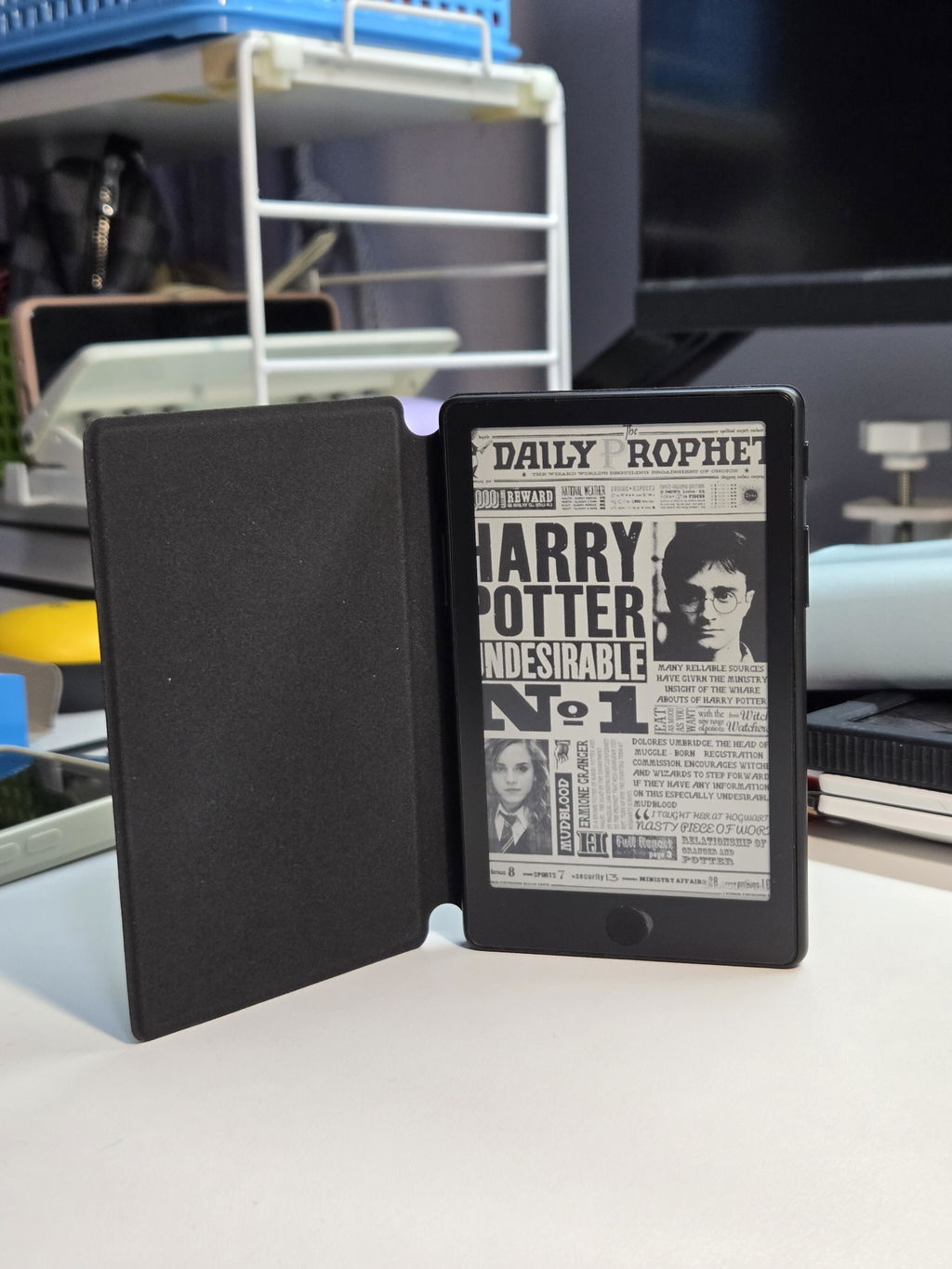
Exactly what I wanted! The X4 pro is the perfect eReader for me now that it has a front light and touch screen which makes operations much easier for my failing hands over my previous X3 device. Only thing I wish it had is a USB C port instead of pogo as the included adapter isn't as stable as the included cable with the X3.