


XTEINK X4 Classic (X4 V2) Pocket eReader
XTEINK X4 Classic (X4 V2) Pocket eReader
Unlocked Firmware Freedom | Ultra-Light 68g & 4.9mm Thin | 920mAh battery
17% Off
Why choose our X4 Classic?
- Unlocked Firmware Freedom: A pure developer operating system with zero third-party restrictions, choosing your best way to read on Xteink.
- Universal Magnetic Pocket eReader: At a mere 68g and a razor-thin 4.9mm, X4 Classic snaps effortlessly onto the back of any smartphone or slips into your pocket for zero-burden reading on the go.
- Intuitive Dual-Mode Controls: Flip pages your way: shake the device for easy one-handed reading during busy commutes, or use the tactile physical buttons for a cozy, deep-reading escape.
- 920mAh battery: Powered by a 920mAh battery and a next-gen low-consumption chip, it delivers up to 10 days of casual reading on a single charge. Forget the charger, enjoy the journey.
- Personalized E-ink Secondary Screen: Express your inner world by customizing the back screen with your favorite quotes, minimal wallpapers, or a functional daily clock.
- Distraction-Free Sanctuary: Our strictly closed ecosystem guarantees zero pop-up ads and zero social media notifications, giving you a pure, undisturbed mental escape.
How to use the XTEINK Base Stand & Charging Adapter? Click and Learn More
 XTEINK eReader Magnetic Reading Light

 XTEINK X4 Classic (X4 V2) Magnetic Case - Multiple Colors


 XTEINK X4 Classic (X4 V2) Protective Case


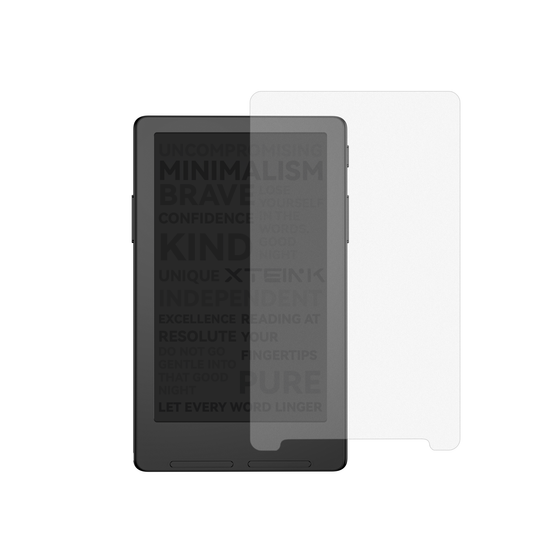 XTEINK X4 Classic (X4 V2) Matte Screen Protector
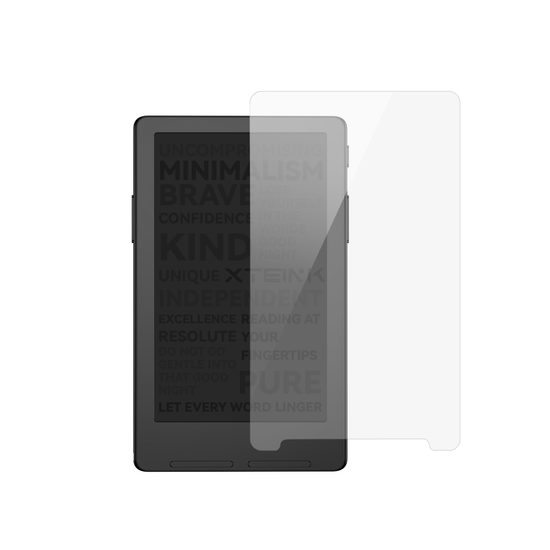 XTEINK X4 Classic (X4 V2) Tempered Glass Screen Protector
Couldn't load pickup availability
Why shop on the official website? Please enjoy full XTEINK support and avoid third-party firmware restrictions.
Secure Checkout Guaranteed
Secure Checkout Guaranteed
We accept PayPal and 10+ Major Payment Methods, including Visa, Mastercard, American Express, Apple Pay, and Google Pay. All transactions are securely encrypted for your peace of mind.
Where We Ship
Where We Ship
Argentina, Australia, Austria, Bangladesh, Belgium, Brunei, Bulgaria, Canada, Colombia, Costa Rica, Croatia, Cyprus, Czech Republic, Denmark, Estonia, Finland, France, Georgia, Germany, Greece, Hong Kong, Hungary, Iceland, India(Exclude Meghalaya, Jammu and Kashmir, Telangana), Indonesia, Iraq, Ireland, Israel, Italy, Japan, Kazakhstan, Kuwait, Latvia, Lithuania, Luxembourg, Macao, Malaysia, Malta, Mexico, Morocco, Myanmar, Netherlands, New Zealand, Norway, Oman, Peru, Philippines, Poland, Portugal, Qatar, Romania, Saudi Arabia, Serbia, Singapore, Slovakia, Slovenia, South Africa, South Korea, Spain, Sri Lanka, Sweden, Switzerland, Taiwan, Thailand, Ukraine, United Arab Emirates, United Kingdom, United States, Uruguay.
Unrestricted Firmware Guarantee
Unrestricted Firmware Guarantee
All units purchased directly through the XTEINK official website are exempt from third-party firmware restrictions. This commitment applies to all past and present models, with no planned changes for future updates.


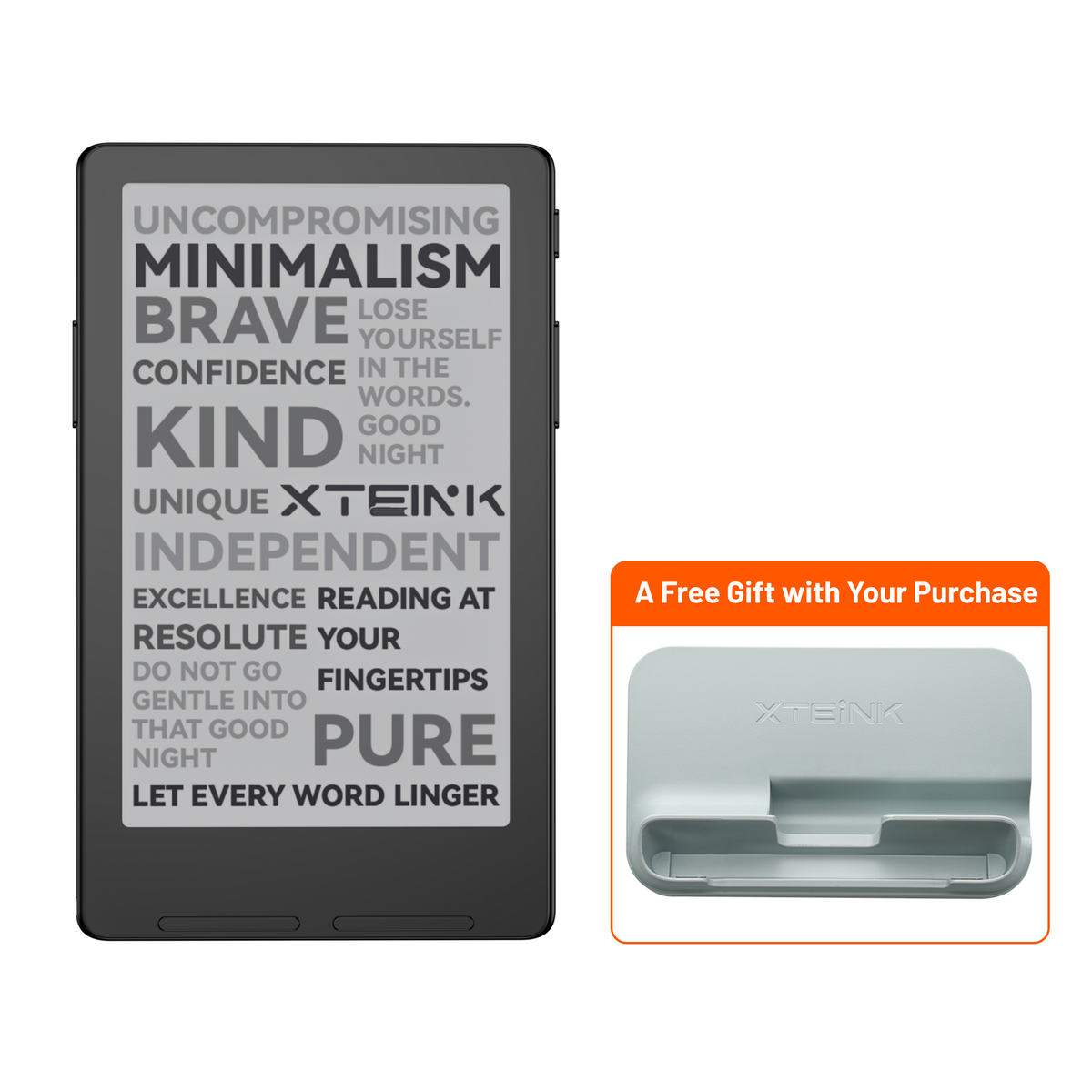


Lighter in Your Hand.
Less Bulk in Your Pocket
Just 68g -easy to hold,
easy to carry.
Just 4.9mm thin- made to slip into what you already carry.

Less Bulk in Your Pocket
Lighter in Your Hand.
Just 4.9mm thin- made to slip into what you already carry.
Just 68g -easy to hold, easy to carry.

Read Longer. Charge Less.
270mAh more than X4 for longer reading between charges.
270mAh more than X4 for longer reading between charges.

Switch Hands.
Keep Reading.
Switch Hands. Keep Reading.
Dual-side buttons for easy
reading in either hand.
Dual-side buttons for easy reading in either hand.

Faster Where
It Matters.
Faster Where It Matters.
More responsive navigation
and page turns.
More responsive navigation and page turns,


Dual-Side Buttons
Switch Hands. Keep Reading.
Page-turn buttons on both sides keep the rhythm the same, whichever hand feels more comfortable.

Motion Page Turn
A Tilt Is Enough.
A gentle motion turns the page, so your thumb doesn't always have to. Tilt. Turn. Keep reading.

Clock & Battery
Check the Time. Not Your Phone.
See the time directly onyour reader, so you can stay with your book a little longer. Your battery percentage is there when you need it, too.

A coffee break, A train ride, A few quiet minutes before boarding. X4 Classic makes it easier to turn the small spaces in your day into time for reading.


DETAILS + DIMENSIONS
Display 4.3 inch
Resolution 219 PPI
Dimensions 114 × 69 × 4.9 mm
Weight 68g
Storage Comes with 16 GB microSD card, supports expansion up to 256 GB
Connectivity Wi-Fi 2.4 GHz & Bluetooth® wireless technology
Ports Pogo Pin
Battery 920mAh
Supported Formats Document: EPUB, TXT / Image: BMP / Fonts: BIN, XTF
Front light No
Touchscreen No
POWER + CONNECTIVITY
Battery 920mAh
Connectivity Wi-Fi 2.4 GHz
Ports Pogo pin
BOX CONTENTS
1 × X4 Classic E-Reader
1× Quick Start Guide
1× MicroSD Card
1× Matte Screen Protector
2× E-Reader Adhesive Metal Ring
1× Magnetic Charging Adapter
What ebook file formats are supported, and how do I transfer books?
XTEINK supports TXT, EPUB, MOBI, PDF, XTCH, XTC, and XTCZ formats. MOBI and PDF files may not be fully supported by the firmware, so we recommend converting them through the XTEINK official app before transferring them to your device. For image-heavy content such as comics, we recommend converting files to XTCH, XTC, or XTCZ via XT-Cloud or the official app for a better reading experience.
Can I snap the X4 Classic onto any smartphone or phone case?
The X4 V2 features a built-in magnetic ring on the back, with a slightly different position from the first-generation X4. It can attach magnetically to the back of an iPhone, although the device will protrude slightly; Pro Max models have the least protrusion. For a more seamless fit, we recommend using a magnetic ring on the outside of your phone case.
How do I customize the E-ink secondary screen on the back?
You can set your favorite image as the power-off or sleep wallpaper, or use the cover of the EPUB book you are currently reading as your wallpaper.
How does the Shake-to-Flip page-turning feature work?
Shake-to-Flip lets you turn pages by gently shaking the device. You can enable this feature from the reading menu or via the shortcut key while reading. Custom shortcut key settings will be added in a future OTA update.
Is the screen glare-free under direct sunlight?
Yes. The X4 V2 screen remains clear and does not fade or wash out under direct sunlight, thanks to hardware-level optimization.
Does it have a built-in front light for night reading?
The X4 V2 does not have a built-in front light. For reading in low-light conditions, you can purchase an additional lighting accessory or choose the X4 Pro, which features a built-in front light.
Do I need to pay for a subscription to use XT-Cloud?
XT-Cloud is currently free to use. However, we may introduce subscription-based features or paid services in the future.
Is damage caused by software modifications covered under warranty?
The XTEINK warranty does not cover issues caused by unofficial firmware, third-party SDK modifications, or other unauthorized software changes. Paid repair service may be available depending on the issue.